

Bonceball: Big Head Football
Privacy Policy
Effective date:
The short version
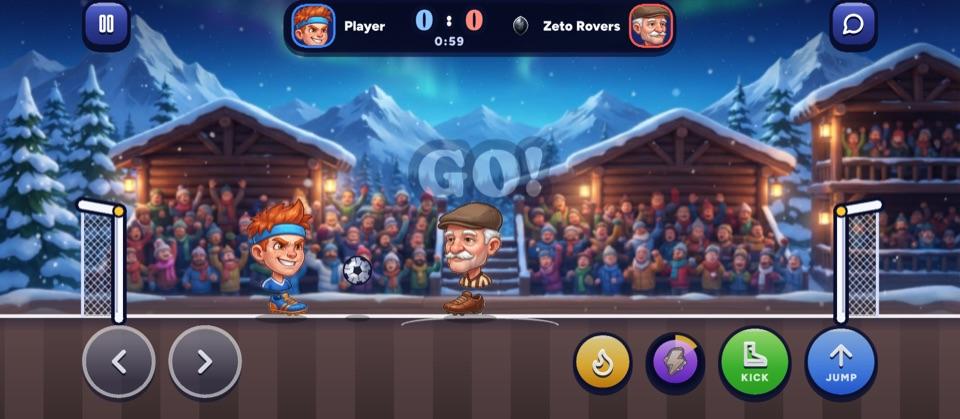
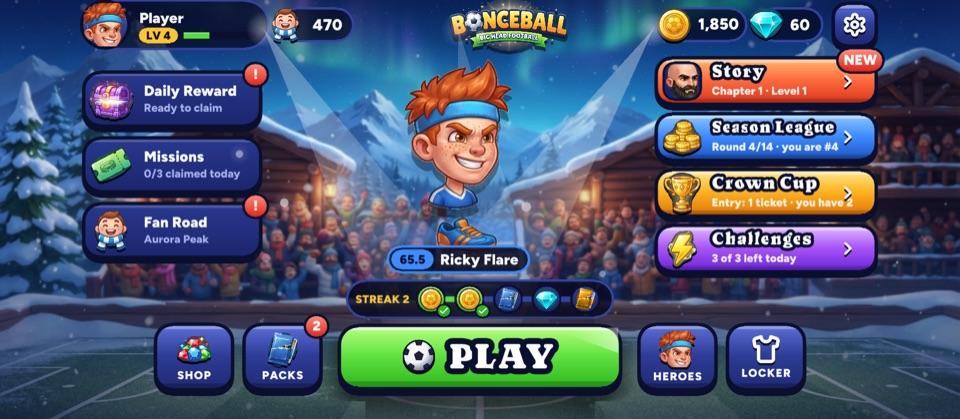
Bonceball: Big Head Football ("the app"), package com.devflovv.bonceball on Android and iOS, is published by Devflovv. The app is a single-player 1v1 arcade football game that plays fully offline against computer-controlled rivals. We collect no personal information and no usage data.
No accounts, no ads, no purchases.
- We collect no data, and the app sends none to us or to anyone else.
- No account, no login, no cloud sync.
- No ads and no in-app purchases of any kind.
- No analytics, no crash reporting, no advertising IDs, no tracking, and no third-party SDKs that collect data.
- No network calls: the app needs no internet connection, and the Android app does not request the internet permission.
- Your player name, progress and settings are stored by the app in its own storage on your device. If you use Android backup, or iCloud or computer backups on iOS, your device may copy them into your own backup.
What we collect
Nothing. The app does not collect, transmit or share any personal or usage data, and we never receive your player name, your progress, your in-game currencies or your settings. It does not read your advertising ID, and it contains no advertising, analytics or crash reporting software development kits (SDKs), and no other third-party code that collects data.
Accounts and your player name
The app has no accounts. There is nothing to sign up for or log in to, and it does not ask for your email address or any other detail about you.
You can choose a player name in your Profile. It is optional (the game calls you "Player" until you change it), it is shown only inside the app on your device, and it is never sent to us or to anyone else. Please do not use your full real name.
Permissions
The app asks for no permission that gives it access to your personal data. It never asks for access to your location, the camera, your contacts, the microphone or your photos or files, and it sends no notifications. On Android the app does not request the internet permission, and on both Android and iOS it makes no network calls, so it does not connect to any server, ours or anyone else's.
Haptic feedback uses your device's vibration only to give feedback during play, such as kicks, goals and button taps. You can turn it off in Settings (Haptics on iOS, Vibration on Android), where sound effects and music each have their own switch too.
On Android, the system may also list a technical entry that the Android libraries the app is built with add, AndroidX's DYNAMIC_RECEIVER_NOT_EXPORTED_PERMISSION, which keeps the app's internal messages private. It gives the app no access to your personal data.
What is stored on your device, and why
To keep your game going, the app saves one save file in its own storage folder on your device and updates it after every change. None of it is sent to us. It holds:
- Your player name, if you set one.
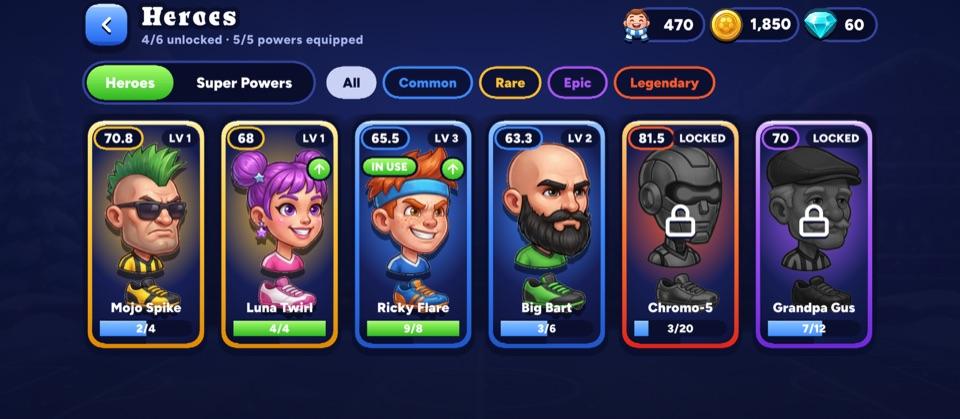
- Your progress: your level and experience, your coins, gems, fans and tickets, your heroes with their levels and cards, your super powers and the ones you have equipped, your card packs, and the kits, boots, hats, glasses, goal effects and emotes you have unlocked or equipped.
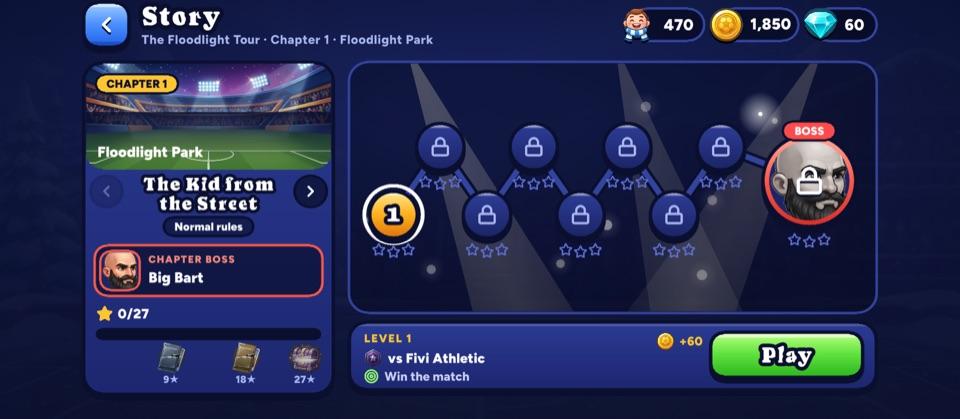
- Your Story mode stars and chests, your season league and Crown Cup progress, your daily missions, challenges and rewards, your win streak and your match totals such as games played, wins, goals and headers.
- Your settings: sound effects, music, haptics, graphics quality, frame rate, left- or right-handed controls and language, and whether you have seen the tutorial.
Backups
The app itself never sends your data anywhere. Your device's own backup may copy it, and only if backup is on for your device:
- On Android, Android backup (Auto Backup) is left on for this app, so your device may include the app's save file in your personal backup, and it may be copied when you move to a new device with Android's device transfer.
- On iOS, an iCloud backup or a backup to your computer may include the app's save file, as it does for most apps.
- If a backup is restored, your progress and settings can return, for example after you reinstall the app or set up a new phone.
- Whether this happens, and where a backup is kept, depends on your device settings and your backup service. We never receive your backup and cannot view or delete it. Your backup provider, such as Google or Apple, handles it under its own privacy policy.
Purchases and ads
The app has no in-app purchases and shows no ads. Coins, gems, card packs, heroes and cosmetics are earned only through gameplay and have no real-money value; no payment is ever taken, nothing is charged, and neither Google Play's nor Apple's in-app purchase system is used. No ad is ever loaded and no ad network is contacted.
Daily missions, challenges and rewards
Daily missions, daily challenges, the daily reward and the shop's daily deals use only your device's date and clock. Nothing is fetched from a server, and your results are never sent anywhere or compared with anyone else's.
Sharing and selling
We do not share, sell, rent or trade any data, because we do not collect any.
Third parties
The app contains no advertising networks, analytics services or crash reporting services, and the game engine's own data services are switched off. If you install the app from Google Play or the App Store, Google or Apple handles the download and updates under its own privacy policy.
Children's privacy
The app is not directed at children specifically, but it is suitable for all ages. It collects no personal information from anyone, children included, and we do not knowingly collect personal information from children under 13, or under the minimum age set by the law where they live, such as 16 in some countries of the European Union.
The app has no accounts, no chat with other people, no user-generated content shared with others, no ads and no way to contact other people; the app never sends the optional player name anywhere. Because nothing is collected, there is no personal information about a child for us to hold, review or delete, and no parental consent is needed for us to process any. This is how the app is designed to respect children's privacy laws such as the US Children's Online Privacy Protection Act (COPPA) and the children's provisions of the EU General Data Protection Regulation (GDPR).
If you are a parent or guardian and believe a child has sent us personal information, for example by email, contact us and we will delete it.
How to delete your data
You can remove the app's data from your device at any time:
- Use "Reset progress" in your Profile. This deletes the save file, so your progress, your player name and your settings go back to the start. It cannot be undone.
- Uninstall the app to delete all of its data from your device.
- On Android, you can also clear the app's storage in your device's settings.
Copies in a backup
We hold no copy of your data, so we cannot recover your progress for you. None of the steps above removes a copy already held in your device backup, and we cannot remove it for you. To delete one, use the backup settings on your device or in your backup account.
Future versions
Future versions of the app may add online play or in-app purchases. Before any such version is released, we will update this policy to describe exactly what changes, and we will tell you about it in the app update and on the app's store listing. Until then, everything on this page describes the app as it is.
Changes to this policy
If this policy changes, the new version will be posted on this page with a new effective date.
Contact
Questions about this policy? Email hello@devflovv.com.