
Ruin Run: City Shadow Escape
Privacy Policy
Effective date:
The short version
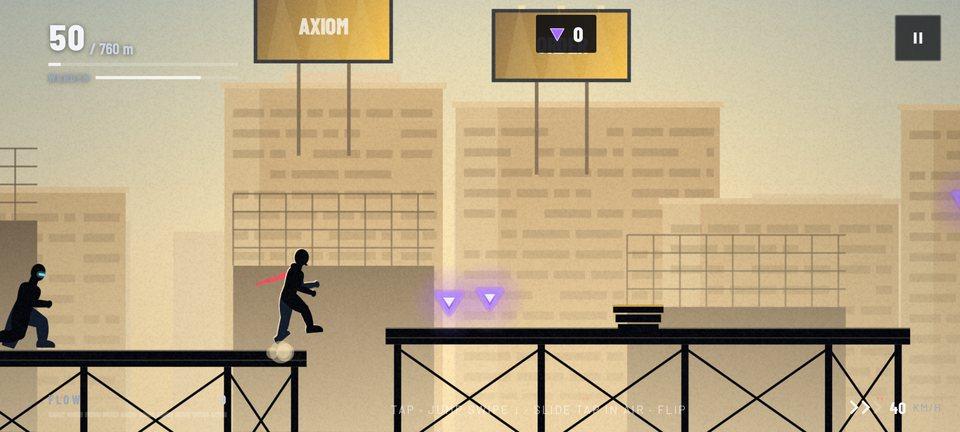
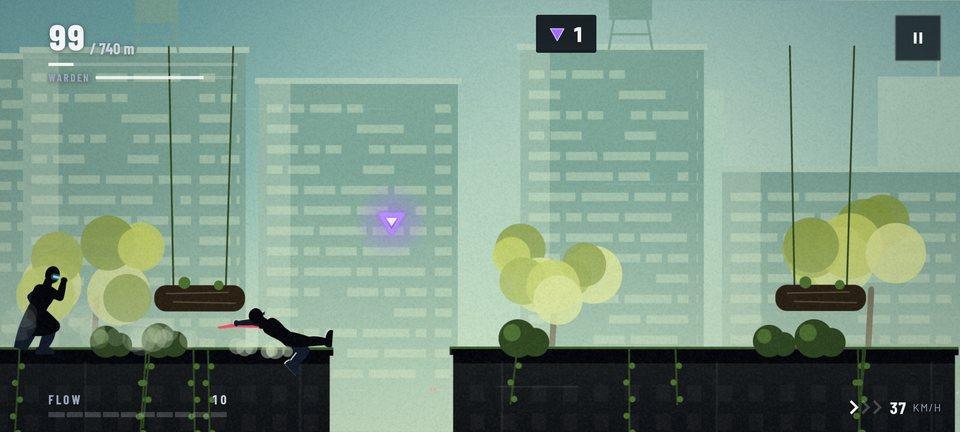
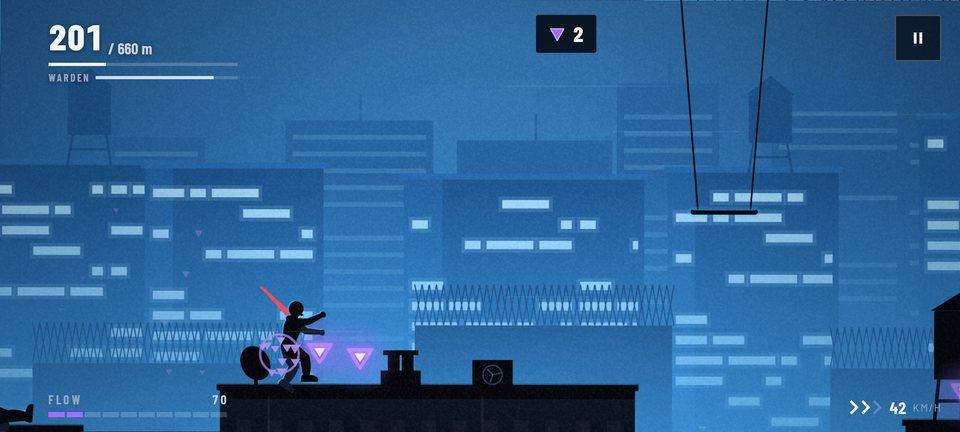
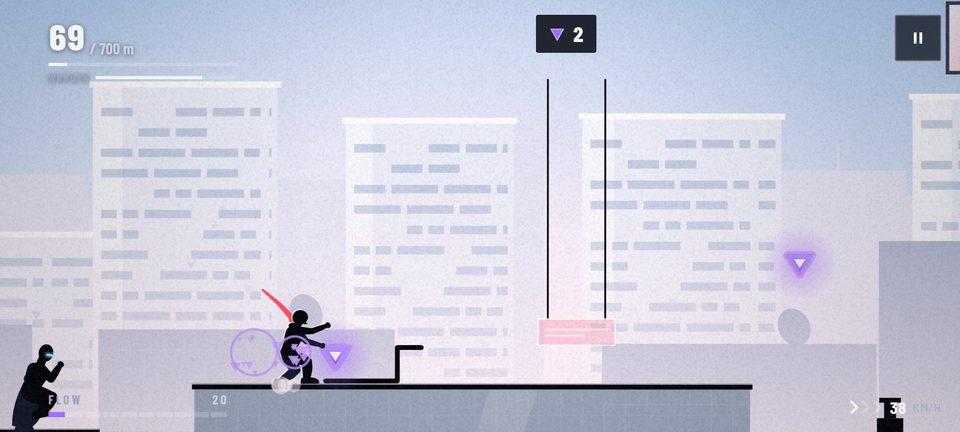
Ruin Run: City Shadow Escape ("the app", shown on your home screen as Ruin Run), Android package com.devflovv.ruinrun, is published by Devflovv. The app is a native Android parkour runner that plays fully offline. We collect no personal information and no usage data.
No accounts, no ads, no purchases.
- We collect no data, and the app sends none to us or to anyone else.
- No account, no login, no sign-in.
- No ads and no in-app purchases of any kind.
- No analytics, no crash reporting, no advertising IDs, no third-party SDKs, no tracking.
- No internet permission, and no network connections.
- Your progress and settings are stored by the app in its private storage on your device. If you use Android device backup or device transfer, Android may copy them into your own backup or to your new device.
What we collect
Nothing. The app does not collect, transmit or share any personal or usage data, and we never receive your progress, your triangles, your rival names or your settings. It does not read your advertising ID, and it contains no advertising, analytics or crash reporting software development kits (SDKs), and no other third-party code that collects data.
Accounts
The app has no accounts. There is nothing to sign up for or log in to, and it does not ask for your email address or any other detail about you.
Names you type for local rivals
The only text you can type in the app is a name for a local rival, so that people sharing one phone can take turns and compare their best scores (pass and play). Each name is kept in the app's save with that rival's best scores and is never sent anywhere. You can remove a rival in the app at any time. There are no online opponents.
Permissions
The app does not request the internet permission and makes no network connections, so the app itself cannot connect to any server, ours or anyone else's.
It declares two permissions for its own features:
- Vibration (VIBRATE), for optional haptic feedback on jumps, landings and pickups. You can turn haptics off in Settings.
- Storage (WRITE_EXTERNAL_STORAGE), on Android 9 and older only, to save a result card image to your Photos when you tap Share. Android asks you first, and you can say no. On Android 10 and later this permission is not used.
An internal permission added by Android libraries
The AndroidX libraries the app is built with also add one internal permission, DYNAMIC_RECEIVER_NOT_EXPORTED_PERMISSION. It belongs to the app itself, is limited to apps signed with the same key, and keeps the app's internal messages private. It gives the app no access to your personal information and no internet access.
What is stored on your device, and why
To keep your game going, the app saves the following in its private storage on your device, in a database and in Android's Jetpack DataStore. Other apps cannot read it, and none of it is sent to us.
- Your game progress: the seasons you have reached, the sectors you have cleared, and for each one your stars, grade, best time, best score and triangles collected, plus your best Daily Run scores.
- Your runner: your triangle balance, runner level and experience, the shapes, trails and moves you have unlocked and equipped, your gear and its charges, and the run mode you chose.
- Your challenges: daily and weekly challenge progress and the rewards you have claimed, your day streak, and how many star rewards you have claimed.
- Your career counters: distance run, runs, sectors cleared, perfect runs, triangles collected, flips, clean flips and top speed. They are shown to you in the app and never sent anywhere.
- Your local rivals: the names you typed and their best scores.
- Small markers: whether you have finished the tutorial, which first-time hints you have seen, whether you have answered the rate prompt, and which season introduction is waiting.
- Your settings: sound effects and music volumes, haptics, controls, swipe sensitivity, left-handed layout, graphics quality, frame rate, motion trails, screen shake and reduce flashing.
- Recordings of your best runs: for each sector, the positions and poses of your fastest clean clear, used to show it beside you as you play.
Android backup and device transfer
Android backup (Auto Backup) is turned on for this app. The app has no internet permission, so this is done by Android, not by the app, and only if backup is on for your device.
If you use Android device backup, your device may include the app's save database and settings in your personal backup. The same data may be copied when you move to a new device with Android's device transfer. It holds the progress, runner, challenges, counters, rivals, markers and settings listed in the section above. The recordings of your best runs are not included.
If a backup or transfer is restored, your progress and settings can return, for example after you reinstall the app or set up a new phone.
Whether this happens, and where a backup is kept, depends on your device settings and your backup service. We never receive your backup and cannot view or delete it. Your backup provider, such as Google, handles it under its own privacy policy.
Backup files you export
In Settings you can export your progress to a backup file and import it again later. The app writes the file only to the place you pick in Android's file picker, and reads one only when you choose it. The file holds your progress, rivals and settings. We never receive it; where it goes after that is up to you and the app or service that stores it.
Purchases and ads
The app has no in-app purchases and shows no ads. Everything in Unlocks is paid for with triangles you collect in the game; no payment is taken in the app, and Google Play's billing system is not used. No ad is ever loaded and no ad network is contacted.
Before any advertising or billing SDK is ever added to the app, this policy will be updated to describe it.
Daily Run, challenges and streaks
The Daily Run, the daily and weekly challenges and your day streak use only your device's date and clock. Nothing is fetched from a server. The Daily Run is generated on your device from the date, and your results are never sent anywhere or compared with anyone else's.
Rating the app
After your second win, the app may ask once how you are enjoying it, and you can also open the prompt from Settings. If you give it four or five stars, the app may open the Ruin Run listing on Google Play in the Play Store app or your browser. The app sends nothing itself, and any rating or review you choose to leave there is handled by Google under its own terms. If you pick fewer stars, or tap "Not now", nothing is opened or sent.
Saving a result card
On the result screen after a run you can tap Share. The app then draws a result card image (the sector, your grade and your run's numbers) and saves it to your Photos. Nothing is sent and no share sheet is opened; the image is yours to keep, share or delete like any other photo.
Rating and saving a result card are the app's only links to anything outside it, apart from the backup files you choose to export, and they happen only when you choose them. The app shows no notifications and has no web links.
Sharing and selling
We do not share, sell, rent or trade any data, because we do not collect any.
Third parties
The app contains no advertising networks, analytics services or crash reporting services. If you install the app from Google Play, Google handles the download and updates under Google's own privacy policy.
Children's privacy
The app is made for a general audience and is not directed at children under 13. It collects no personal information from anyone, children included. It has no chat, no user-generated content shared with anyone and no way to contact other people. Because nothing is collected, there is no personal information about a child for us to hold, review or delete.
How to delete your data
You can remove the app's data from your device at any time:
- Use "Reset progress" in the app's Settings. This erases your saved game, including your seasons, sectors, stars, grades, scores, triangles, runner level, unlocks, gear, challenges, streak, career counters, rivals and the recordings of your best runs. Your settings are kept. It cannot be undone.
- Clear the app's storage in your device's Android settings, which also removes your settings.
- Uninstall the app to delete all of its data from your device.
- Result card images you saved stay in your Photos until you delete them there, and backup files you exported stay where you put them.
Copies in a backup
None of the steps above removes a copy already held in your device backup, and we cannot remove it for you. To delete one, use the backup settings on your device or in your backup account.
Changes to this policy
If this policy changes, the new version will be posted on this page with a new effective date.
Contact
Questions about this policy? Email hello@devflovv.com.