
Vaelo: Focus, Calm & Beats
Privacy Policy
Effective date:

The short version
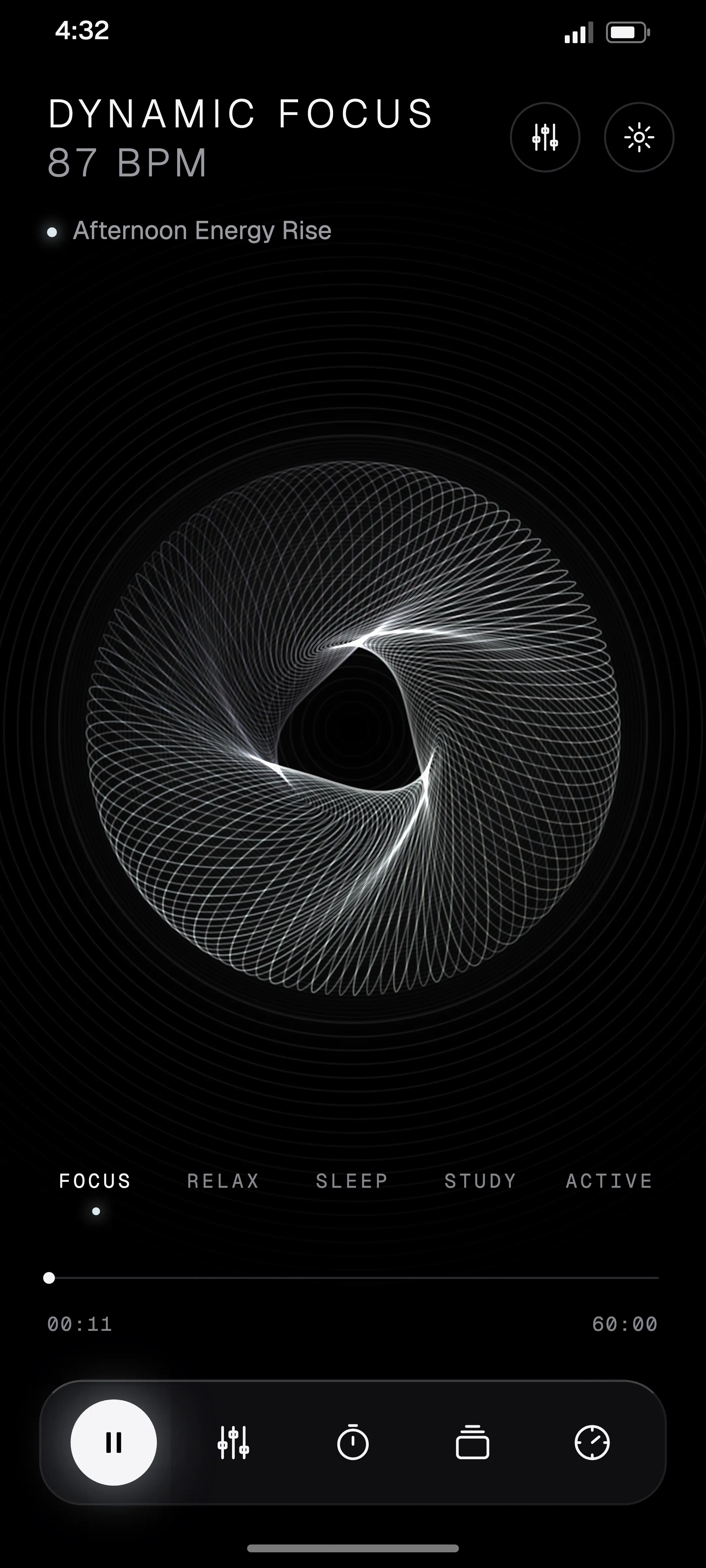
Vaelo: Focus, Calm & Beats ("the app"), Android package com.devflovv.vaelo, is published by Devflovv. The app makes adaptive focus, relaxation and sleep sound, and it works fully offline. We collect no personal information and no usage data.
No accounts, no ads, no purchases.
- We collect no data, and the app sends none to us or to anyone else.
- No account, no login, no sign-in.
- No ads and no in-app purchases of any kind. Every feature is free and unlocked.
- No analytics, no crash reporting, no advertising IDs, no third-party SDKs that collect data, no tracking.
- No internet or other networking permission, and no network connections.
- Your presets, favorites, listening history and settings are stored by the app in its private storage on your device. Android cloud backup and device transfer are turned off for the app, so they stay on your device unless you export a backup file yourself.
- Step data for the optional Activity & pace feature is used live, on your device, and is never stored or shared.
What we collect
Nothing. The app does not collect, transmit or share any personal or usage data, and we never receive your presets, your listening history, your settings or anything about how you use the app. It does not read your advertising ID, and it contains no advertising, analytics or crash reporting software development kits (SDKs), and no other third-party code that collects data.
Accounts
The app has no accounts. There is nothing to sign up for or log in to, and it does not ask for your name, email address or any other detail about you. The only text you can type is a name for a preset you save, which is kept only on your device.
Permissions
The app has no networking permissions at all: it does not request the internet permission or the network state permission, and it makes no network connections, so the app itself cannot connect to any server, ours or anyone else's. Haptic feedback uses Android's built-in touch feedback, which needs no permission, and you can turn it off in Settings.
Here is every permission in the app, and why it is there. The app declares the first five for its own features; the last one is added by the Android libraries it is built with:
- FOREGROUND_SERVICE, lets the app keep playing your soundscape as a media playback service when you leave the app or turn the screen off.
- FOREGROUND_SERVICE_MEDIA_PLAYBACK, tells Android that this background service is for media playback, as newer versions of Android require.
- POST_NOTIFICATIONS, lets the app show its playback notification, with play, pause and stop controls, on Android 13 or later. It is used for nothing else: no reminders, no promotions.
- WAKE_LOCK, keeps the device awake enough for sound and timers to carry on while the screen is off.
- ACTIVITY_RECOGNITION, optional. The app asks for it only when you turn on Activity & pace, to read your steps from the device's step detector and match the tempo to your walking or running pace. You can refuse it or withdraw it at any time, and everything else works without it.
- DYNAMIC_RECEIVER_NOT_EXPORTED_PERMISSION, added by AndroidX. It belongs to the app itself, is limited to apps signed with the same key, and keeps the app's internal messages private. It gives no access to your data or to the internet.
Activity & pace and motion data
Activity & pace is off until you turn it on in Settings. Only then does the app ask Android for the physical activity permission (ACTIVITY_RECOGNITION), and you can say no.
While it is on and sound is playing, the app reads step events from your device's step detector and works out your current cadence, in steps per minute, so the tempo can follow your walking or running pace. This happens live, in memory, on your device. Your steps, your cadence and any other motion data are never written to storage, never added to your listening history, never included in a backup file and never sent to us or anyone else.
You can turn Activity & pace off at any time in the app, or withdraw the permission in Android's settings. The rest of the app works the same without it.
What is stored on your device, and why
To remember your choices and show your stats, the app saves the following in its private storage on your device: a small database (Room) for your presets, favorites and listening history, and your settings in Android's DataStore. Other apps cannot read it, and none of it is sent to us.
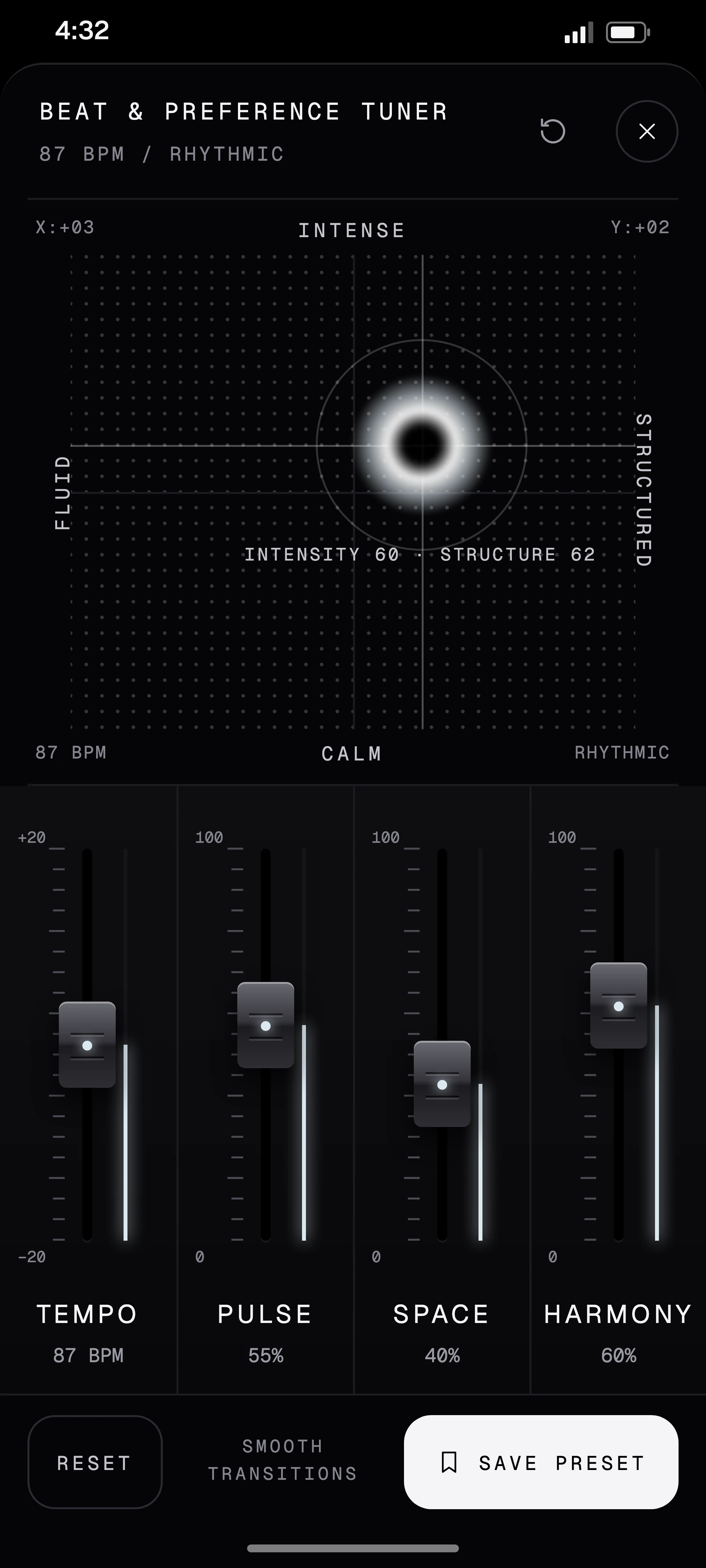
- Your saved presets: the name you give each one, its mode, tuner position, tempo, pulse, space and harmony settings, texture and the time you saved it.
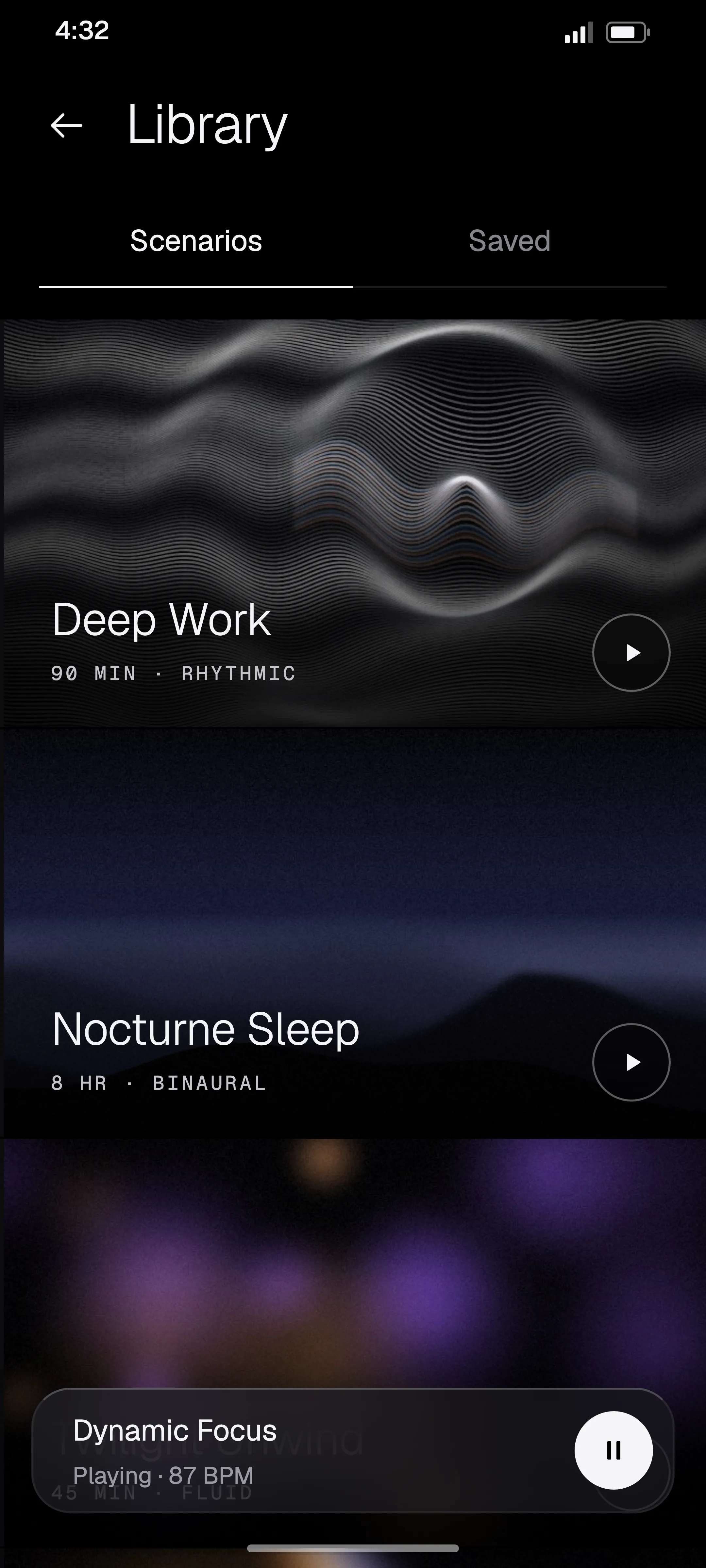
- Your favorite scenarios, and when you added them.
- Your listening history: for each listening session of five seconds or more, the mode and the start time, end time and length. It is used only to work out your Insights stats (focus time, nights of sleep sound and your streak) on your device.
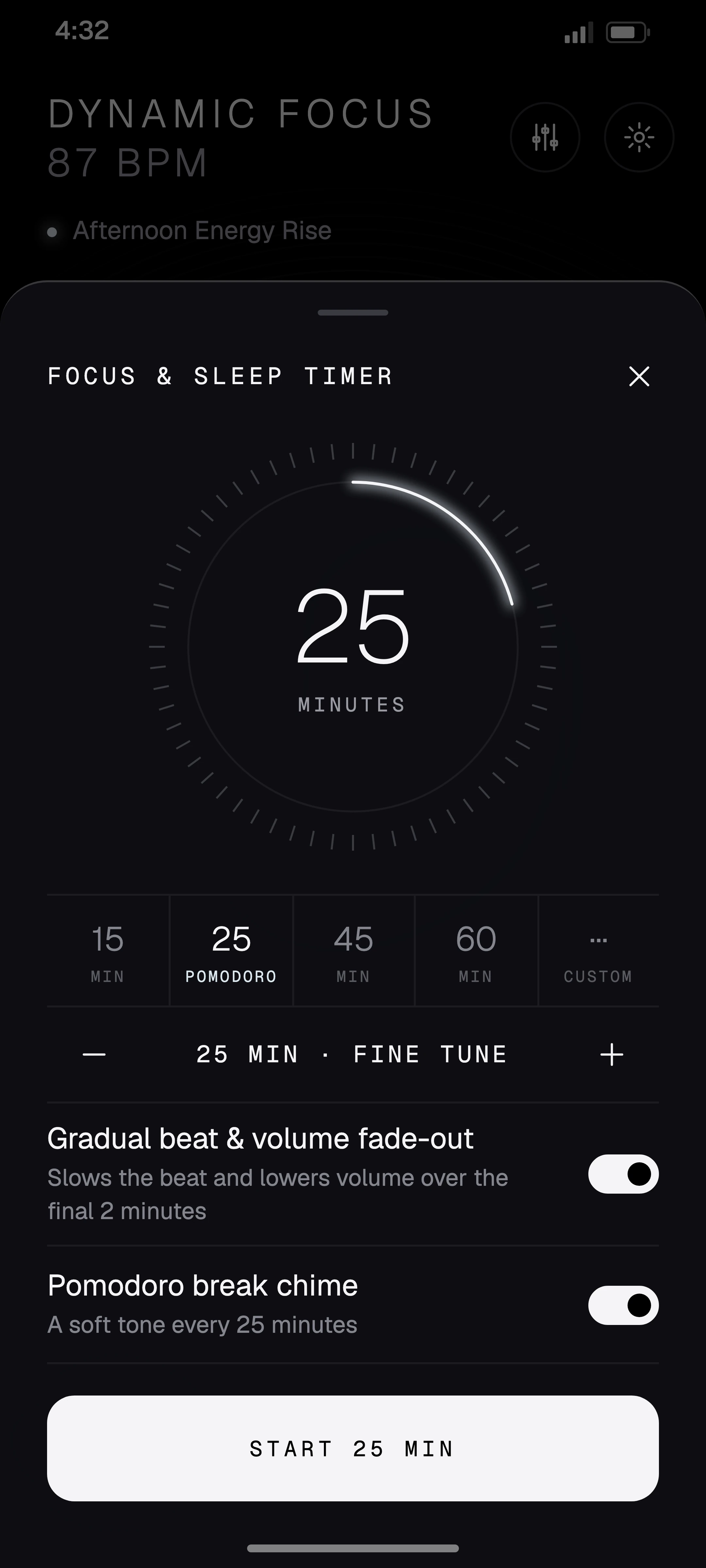
- Your settings: the goal and beat style you picked when you started, your last mode, crossfade, audio delay, audio quality, background playback, auto-pause, time of day and Activity & pace switches, smooth transitions, haptics, reduced motion, pure black, the visual style, the 8D orbit speed and the timer fade-out and chime.
Android backup and device transfer
Android backup is turned off for this app, and its data is excluded from both cloud backup and device-to-device transfer. Android therefore does not copy your presets, favorites, listening history or settings to your Google account or to a new phone. They stay on your device until you delete them or export a backup file yourself.
Exporting and restoring a backup file
If you want a copy of your data, you can make one. In Settings, "Export local backup" opens Android's own file picker, where you choose the name and the place for the file. The app then writes one JSON file there with your presets, favorites, listening history, summary stats and settings. It contains no step or motion data. Nothing is exported unless you start it, and the app never sends the file anywhere.
"Restore from backup" opens the same file picker, and the app reads only the file you choose. A restore replaces the presets, favorites, listening history and settings currently in the app with the ones in the file.
Once exported, the file is yours to keep, move, share or delete. If you save it to a cloud storage service through the file picker, that service holds it under its own privacy policy. We never receive it and cannot view or delete it.
Playback, notifications and the lock screen
While sound plays in the background, the app shows a playback notification with play, pause and stop controls, and Android shows the same controls on your lock screen. Android's media controls, and accessories you connect such as Bluetooth headphones, can show the name of the mode or scenario that is playing and control playback. This is handled by Android on your device; the app sends nothing to us.
The Quick Settings tile and the launcher shortcuts only start or stop sound in the app. They collect nothing.
Sound and the time of day
Every sound is built into the app and generated and mixed on your device. Nothing is streamed or downloaded. The time of day adaptation uses only your device's clock; it does not use your location.
8D sound is an effect the app calculates on your device: it moves each layer around a virtual listener in the stereo mix. It uses no head tracking, camera, microphone or motion sensor.
Purchases and ads
The app is free. Every feature is unlocked, it has no in-app purchases or subscriptions and it shows no ads. No payment is ever taken, nothing is charged, and Google Play's billing system is not used. No ad is ever loaded and no ad network is contacted.
Before any advertising or billing SDK is ever added to the app, this policy will be updated to describe it.
Sharing and selling
We do not share, sell, rent or trade any data, because we do not collect any.
Third parties
The app contains no advertising networks, analytics services or crash reporting services. It is built with Android libraries from Google (AndroidX, including Media3 for playback), which run on your device and send nothing to us. If you install the app from Google Play, Google handles the download and updates under Google's own privacy policy.
Children's privacy
The app is made for a general audience and is not directed at children under 13. It collects no personal information from anyone, children included. It has no chat, no user-generated content shared with anyone and no way to contact other people. Because nothing is collected, there is no personal information about a child for us to hold, review or delete.
How to delete your data
You can remove the app's data from your device at any time:
- Use "Reset local data" in the app's Settings. This erases your saved presets, favorites and listening history, so your Insights stats start again, and returns every setting to its default. It cannot be undone.
- Clear the app's storage in your device's Android settings.
- Uninstall the app to delete all of its data from your device.
- A backup file you exported is not touched by any of these. Delete it yourself from wherever you saved it.
Changes to this policy
If this policy changes, the new version will be posted on this page with a new effective date.
Contact
Questions about this policy? Email hello@devflovv.com.