Engineering · 22 Sep 2026 · 6 min read
Cloud migration checklist for growing businesses
A practical cloud migration checklist for growing businesses: inventory, infrastructure as code, data moves, safe DNS cutover and monitoring before launch.
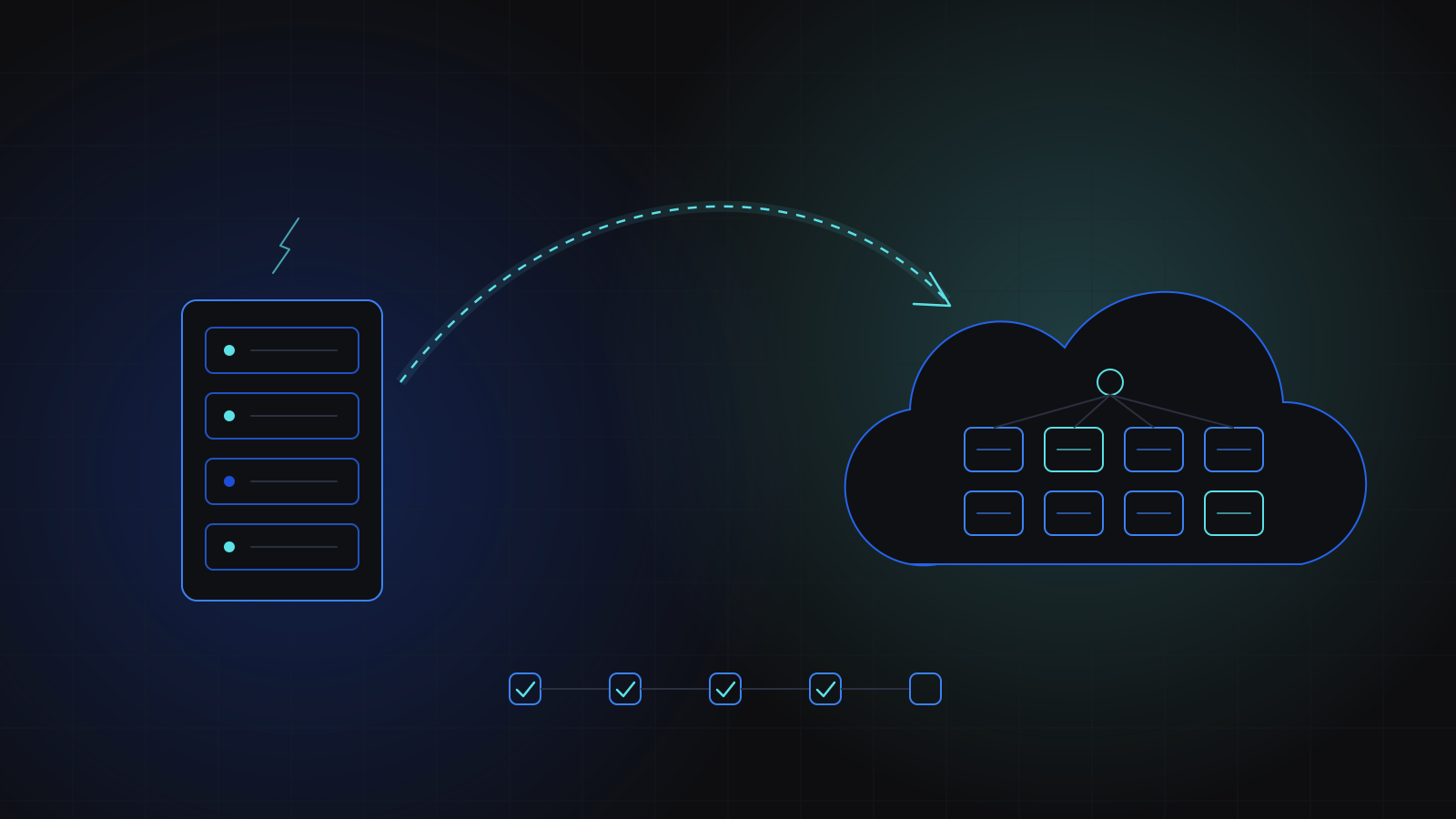
A good cloud migration checklist covers five things: an honest inventory of what you run today, a target environment defined as code, a rehearsed data migration, a cutover you can reverse, and monitoring that is live before real traffic moves. Growing businesses usually migrate because one server has started to crash under load or block every change. This is the checklist we work through on our own migrations.
Why do growing businesses migrate?
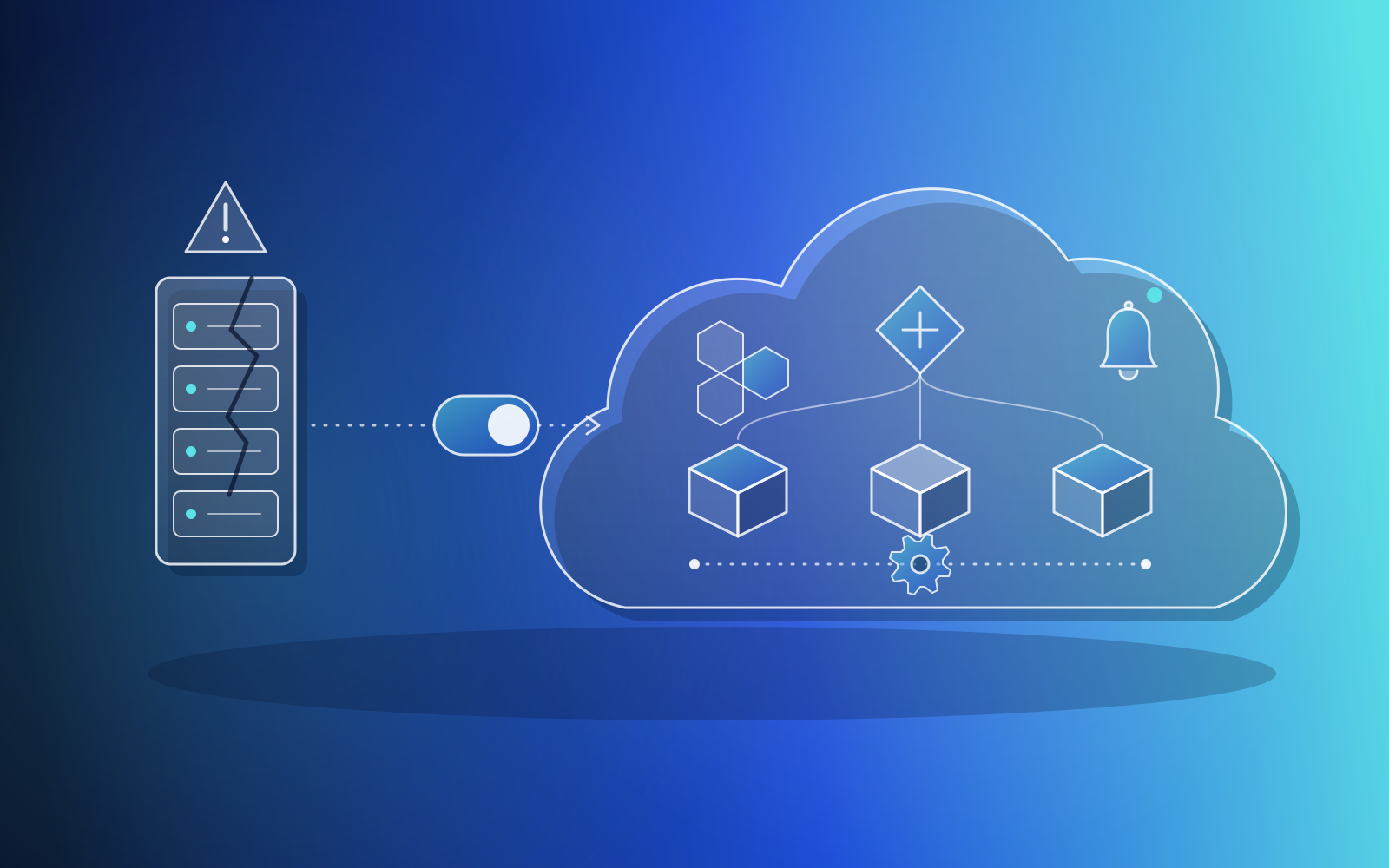
Most migrations start with pain. A product that began on a single server does well, traffic grows, and the setup that was fine at launch becomes the thing everyone is afraid to touch. Deploys need downtime. A busy day takes the site down. Nobody is sure which settings live in code and which were typed into a console two years ago.
We have seen this pattern directly. In one engagement we moved three client products off fragile single-server deployments that crashed under load and could not be changed without downtime. One of them also had to move to a Canadian cloud region for data residency, which is a reminder that the reasons for moving are not always technical.
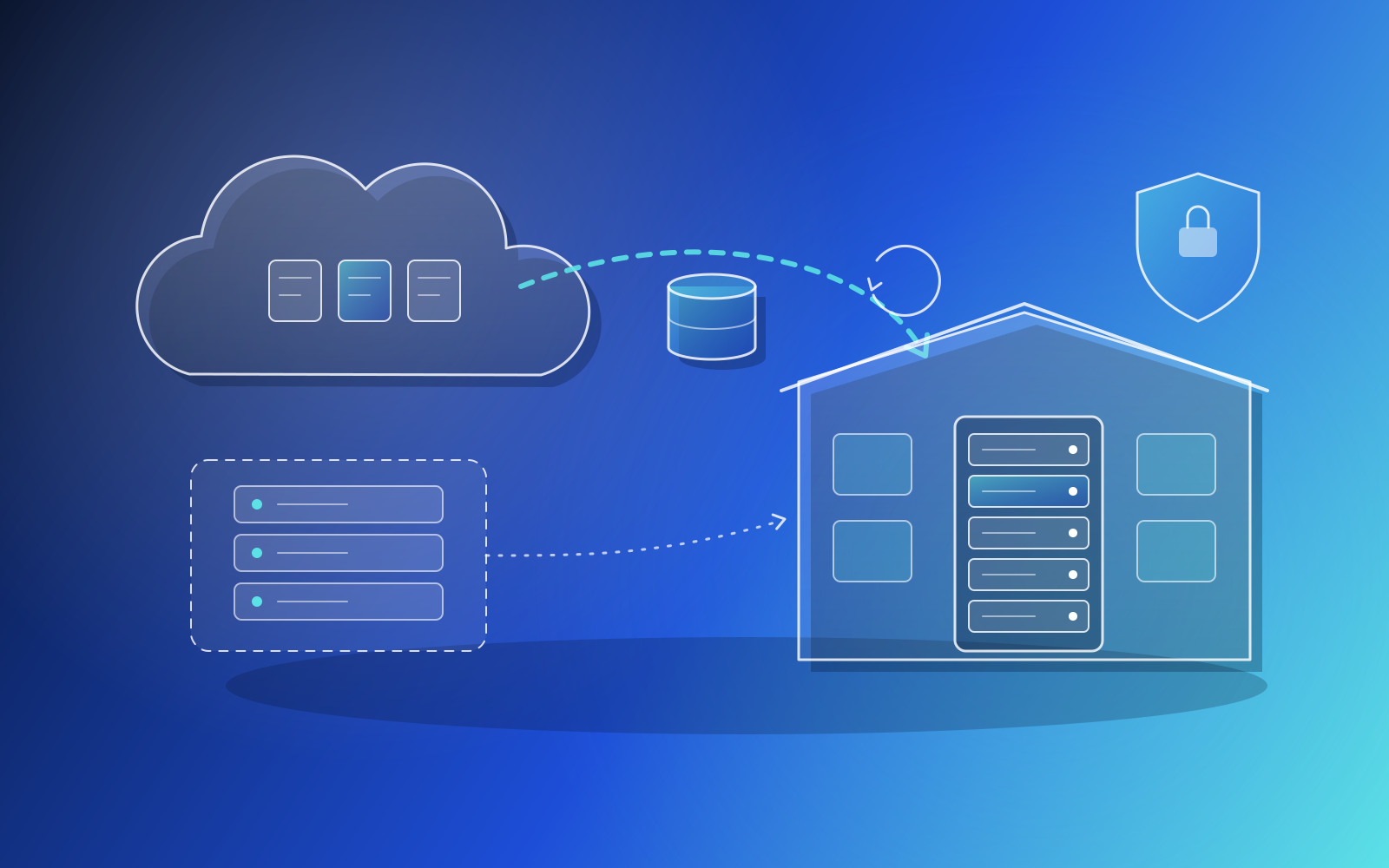
Migration does not always mean moving into a public cloud, either. For a Canadian mortgage-brokerage SaaS we moved a production application off cloud droplets onto hardware the client owned. The checklist is the same in both directions, because the risks are the same: something you did not know about stops working after the move.
What should a cloud migration checklist include?
Here is the short version. Each item is expanded below.
- Inventory: every service, scheduled job, queue worker, integration, certificate and secret the current system depends on, taken from the running servers.
- Target design: the new environment written as infrastructure as code, with networking, access and configuration decided up front.
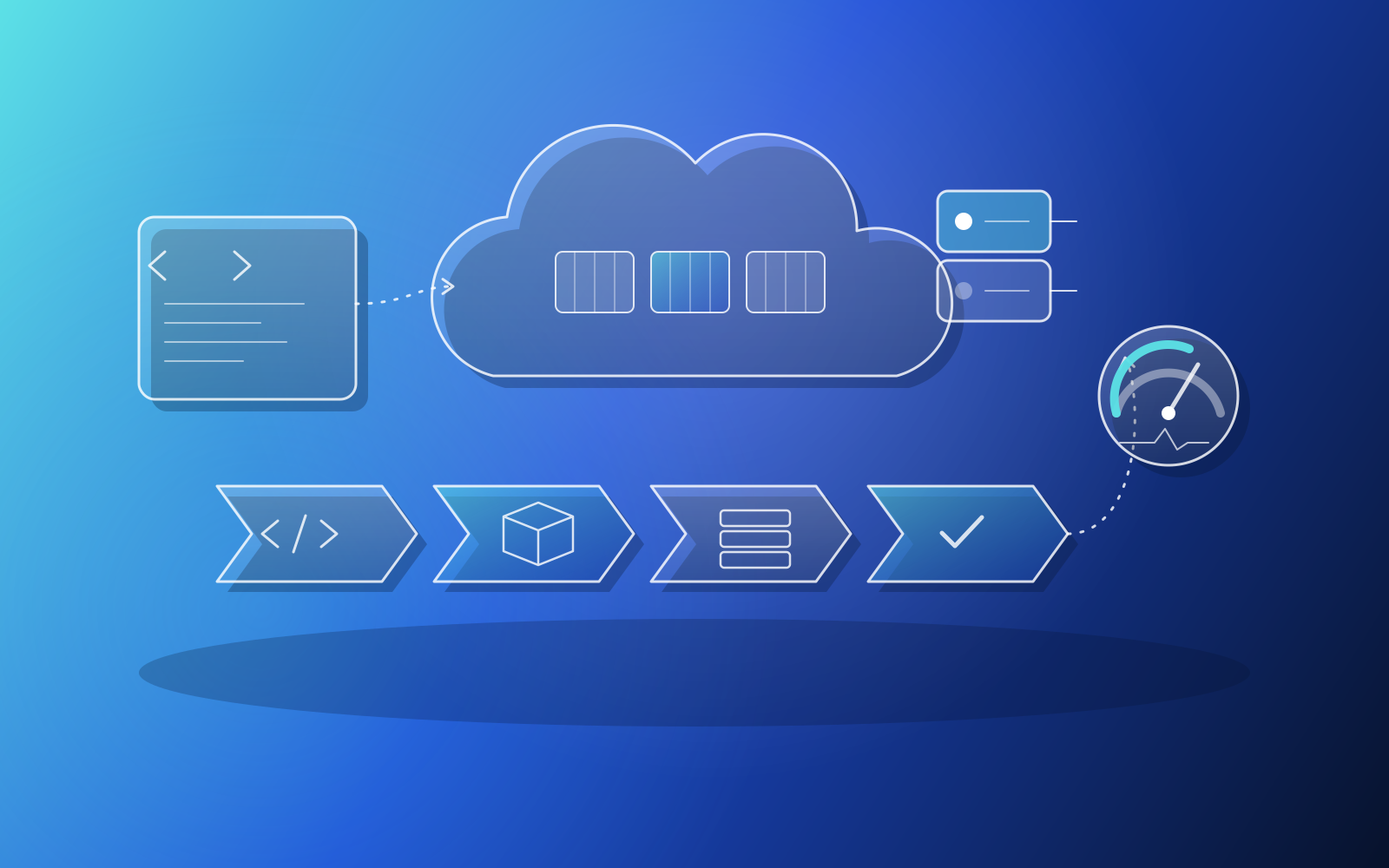
- Pipeline: CI/CD that builds, tests and deploys to staging before production, so the new environment is deployed the same way every time.
- Rehearsal: a full build of the stack in a matching environment before anything touches production.
- Data plan: how the database moves, how you verify it, and how you take a final copy at cutover.
- Cutover plan: a DNS switch with short time-to-live values, a clear go or no-go check, and a rollback route.
- Monitoring: logs, metrics and alerts running in the new environment before traffic arrives.
- Aftercare: load testing, cost right-sizing and an owner for incidents in the weeks after launch.
Step 1: How do you inventory what you actually run?
Start from the running system, not the documentation. Documentation describes what someone intended; the servers show what really happens. On the on-premise migration, our team reverse-engineered the true component inventory from the running cloud servers rather than trusting out-of-date docs. That meant finding the queue workers, the cron jobs, the backup schedule and the version-specific dependencies.
Pay special attention to anything configured by hand. Hardcoded settings and credentials are common in systems that grew quickly, and they are the first things to break when the host changes. Move them into environment variables or a managed secrets store as part of the migration, not after it.
Step 2: Build the target environment as code
Write the new environment in a tool such as Terraform so it can be reviewed, repeated and rebuilt. If parts of your current estate were built by hand in a cloud console, they can often be imported into Terraform first, which gives you a reliable baseline before you change anything. In a shared DevOps function we ran for several clients, that is how we began: importing existing AWS resources into Terraform, then externalising configuration into environment variables.
Decide the shape of the new platform at this stage. For the three single-server products, the target was Terraform-managed environments on ECS behind load balancers with host-based routing, CI/CD pipelines to a container registry, central configuration in SSM Parameter Store, managed certificates, autoscaling and alerting into Slack. Your stack will differ, but every item on that list answers a question you would otherwise face during an outage.
A migration is not finished when the servers move. It is finished when you can rebuild the whole environment from code and nobody has to remember how it was done.
Step 3: How do you migrate the database without losing data?
The database is where migrations go wrong, so rehearse it. Build the full stack in a matching environment, restore a recent copy of production data into it, and run the application against it until it behaves. On the on-premise move we rebuilt the entire legacy stack in a local virtual machine matched to the client's operating system, so every conflict was resolved before touching client hardware.
Then plan the real move in detail:
- Take a full copy early, test it, and note how long a restore takes.
- Freeze or queue writes for the cutover window, then take a final copy so nothing written in between is lost.
- Check row counts and a sample of key records on both sides before switching traffic.
- Confirm backups run on the new host by themselves, and test a restore from them.
That last point is easy to skip. On that project, the hourly, daily and weekly database backups were replicated and independently verified as self-executing before we called the job done.
Step 4: How do you cut over without downtime?
Keep the old system running while the new one proves itself. Lower DNS time-to-live values a few days ahead, bring the new environment up in parallel, test it through a separate hostname, and only then switch DNS. If something breaks, switching back is a DNS change rather than a restore.
That is how the three single-server migrations were cut over: with DNS switches, so production traffic was never touched until the new environment had been tested. For one of those products, an IoT platform API, the move to ECS Fargate happened within days of the audit, and its final production cutover completed overnight.
Where you need safer releases after the move, a blue-green deployment gives you the same property every day: two environments, one live, and a switch you can flip back. We set one up for a client's front end with CloudFront as part of the shared DevOps work.
What happens after the migration?
The first weeks on a new platform are when you learn what the old one was hiding. Load test before real peaks arrive; we use tools such as k6 for this. Look at the bill after a full month and right-size anything that was provisioned generously for safety. Make sure someone owns alerts at night.
Our Cloud Infrastructure & DevOps work does not have to stop at the move. On the three-product migration, the team continues as on-call escalation, handling outages, cost tuning and security incidents as they come up. For many growing businesses without an in-house operations team, that ongoing part matters as much as the move itself.
Key takeaways
- Build your cloud migration checklist from the running system, not from old documentation.
- Define the target environment as code, and import hand-built resources before changing them.
- Rehearse the full stack and the database move in a matching environment before touching production.
- Cut over with DNS while the old system still runs, so rolling back is a switch, not a restore.
- Treat monitoring, load testing and cost right-sizing as part of the migration, not a later project.
- Cloud
- DevOps
- Infrastructure
- Migration
Related services
Related case studies
OtherInfrastructure
Cloud migration and production DevOps support
We migrated three client products from fragile single-server setups to Terraform-managed AWS environments with CI/CD, autoscaling and alerting, cutting over with DNS switches so production traffic was never touched until tested. The team continues as on-call escalation, handling outages, cost tuning and security incidents.
OtherInfrastructure
Multi-client AWS infrastructure and CI/CD
We ran a shared DevOps function that brought several clients' AWS estates under Terraform, built CI/CD pipelines to container registries and ECS, and added CloudWatch monitoring. The work included a blue-green front-end deployment, a production environment build with a tested database migration, and contributions to an open-source security tool.
FinanceInfrastructure
Cloud-to-on-premise application migration
We migrated a Canadian mortgage-brokerage SaaS application off cloud droplets onto hardware the client owned. That meant rebuilding a long-lived legacy PHP/AngularJS stack on end-of-life components, rehearsing the whole build in a matched virtual machine first, migrating the database, and configuring the web server, queue workers, verified backups and TLS, all while engineering the office network so the app could coexist with the client's existing services.