
Engineering · 22 Sep 2026 · 5 min read
Flutter vs React Native: choosing a cross platform framework
Flutter vs React Native compared on architecture, performance, UI, native features and team skills, with a checklist to pick the right framework for your app.
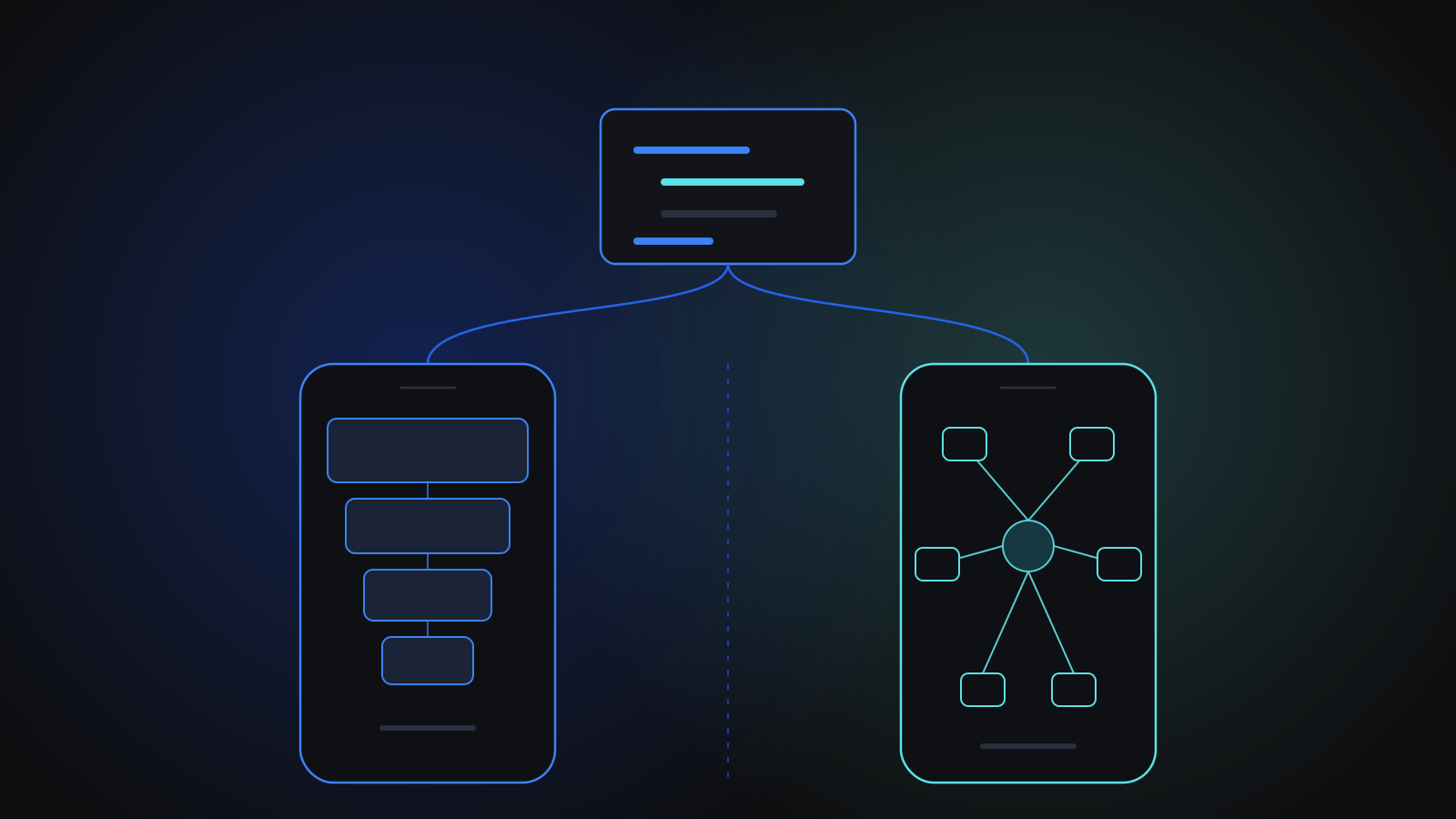
In the Flutter vs React Native decision, both frameworks can ship a high quality iOS and Android app from a single codebase, so the right choice usually depends on your team and your product rather than on raw capability. Choose React Native if your team already works in JavaScript or TypeScript and you want to share knowledge with a React web app. Choose Flutter if you want a highly custom interface that looks identical on every device and you are happy to adopt the Dart language.
How do Flutter and React Native differ under the hood?
Flutter, created by Google, uses the Dart language and draws every pixel of the interface itself with its own rendering engine. Buttons, lists and text fields are Flutter widgets rather than the platform's own controls, which is why a Flutter app looks the same on iOS and Android unless you choose otherwise. Dart is compiled ahead of time to native machine code for release builds.
React Native, created by Meta, lets you write the app in JavaScript or TypeScript using React. Instead of drawing its own controls, it renders the platform's native components, so a React Native switch is a real iOS or Android switch. Its newer architecture lets JavaScript talk to native code more directly than the older bridge did, and it typically runs on the Hermes JavaScript engine, which is built for mobile.
Both offer hot reload, so developers see changes in a running app within moments, and both have large, active communities.
The ecosystems around them differ too. React Native projects often start with Expo, a framework and set of tools that handles builds, device APIs and over-the-air updates, and they draw on the huge npm package registry. Flutter projects use pub.dev for packages and ship with a large built-in widget library, so a lot of interface work needs no third-party code at all.
Which one performs better?
For most business apps, such as forms, lists, dashboards, chat, booking and payments, both frameworks perform well enough that users will not notice a difference. Performance problems in either one usually come from how the app is built, like rendering huge lists without virtualisation, doing heavy work on the main thread or fetching too much data, rather than from the framework.
Flutter has an edge when the interface is animation-heavy or highly custom, because it controls the whole rendering pipeline. React Native has an edge when you want the app to feel exactly like each platform's native controls. If your app does intensive work such as image processing or cryptography, both let you drop into native code for that piece.
Team skills often decide Flutter vs React Native
The framework your team can maintain for the next several years matters more than a benchmark. If you already have React developers building your web app, React Native lets them move between web and mobile, share patterns such as state management and data fetching, and sometimes share business logic directly. Hiring is also easier when the language is JavaScript or TypeScript.
Flutter asks your team to learn Dart. That is a modest hurdle for experienced developers, since Dart is a typed, familiar language, but it does mean mobile and web code live in different ecosystems unless you also use Flutter for the web.
Pick the framework your team can maintain for years, not the one that wins this month's benchmark.
UI consistency and design freedom
If your designers have produced a strongly branded interface that should look identical on every phone, Flutter makes that straightforward, since it does not depend on platform controls. If you would rather the app follow iOS conventions on an iPhone and Android conventions on Android, React Native gets you closer by default. Neither choice is wrong. It depends on whether brand consistency or platform familiarity matters more to your users.
Native features, hardware and libraries
Most apps need the camera, push notifications, location, secure storage, in-app purchases or Bluetooth at some point. Both ecosystems have mature packages for these, and both let you write your own native module in Swift or Kotlin when a package does not exist. Before you commit, list the device features and third-party SDKs your app needs, such as payment, analytics, mapping or calling, and check that each one has a well-maintained package for your chosen framework. That list, more than any general comparison, will surface the real risks.
What we have shipped with each framework
We use both through our Mobile App Development service, and the projects show where each fits.
For an end-to-end encrypted messenger on Android and iOS, the team built a Flutter app on a Clean/BLoC-Cubit architecture. Messages use the Signal protocol, media is encrypted before upload, and history is kept in an encrypted local database, alongside voice and video calling and self-expiring messages. It shows Flutter comfortably carrying a demanding, security-focused feature set on both platforms.
For a scheduling, invoicing and payments app for horse-care field professionals, the team built the app in React Native on a self-hosted Supabase backend, with a responsive web app where clients pay invoices. Later work added offline-first queued sync, team accounts and push notifications. In that project, the app reached the App Store about three months after kickoff and then Google Play.
In apps like these, the framework is only one decision among many. Offline sync, payments, encryption and calling tend to depend more on the architecture around the app, and on the backend it talks to, than on whether the interface was written in Dart or TypeScript.
We have also rescued a React Native app that would not compile, as part of re-platforming a language-learning product, and returned it to a buildable state on both iOS and Android. That kind of work is a reminder that whichever framework you choose, keeping dependencies up to date is part of the cost of owning the app.
A quick decision checklist
- Your team knows React and TypeScript, or you have a React web app: lean towards React Native.
- Your design is highly custom, animation-heavy or must look identical everywhere: lean towards Flutter.
- You want each platform to feel native by default: lean towards React Native.
- You plan to target desktop or other screens from the same codebase later: look closely at Flutter.
- You depend on a specific third-party SDK: check its support in both ecosystems before deciding.
- You are inheriting an existing app: usually stay with its framework unless it is truly unmaintainable.
Key takeaways
- Flutter vs React Native is rarely about capability: both ship solid iOS and Android apps from one codebase.
- Flutter draws its own UI with Dart; React Native renders native components with JavaScript or TypeScript.
- Team skills and long-term maintainability should weigh more than benchmarks.
- Check every device feature and third-party SDK you need before committing to either framework.
- Both frameworks let you write native code for the pieces that need it.
- Mobile
- Flutter
- React Native
Related services
Related case studies
OtherMobile application
End-to-end encrypted mobile messenger
We built a privacy-first encrypted messenger for Android and iOS, with Signal-protocol encryption for chats and groups, encrypted media and local storage, voice and video calling, push notifications and self-expiring messages. Delivery ran in the client's own repository under daily code review.
SaaSMobile application
Field-service scheduling and payments mobile app
We built a scheduling, invoicing and payments app for horse-care field professionals, from designs to App Store launch in about three months, then added offline mode, team accounts, push notifications and accounting exports for live paying customers.
EducationWeb application
Language-learning platform rescue and re-platform
We rescued and re-platformed an existing web and mobile language-learning product: a full backend refactor onto a new schema with a rehearsed zero-loss data migration, a rebuilt admin panel, fixed card payments, single-device login, a parent/child multi-profile subscription module with pro-rated pricing, and a revived mobile app building again on iOS and Android.