Engineering · 22 Sep 2026 · 5 min read
What is an ETL pipeline and when does your business need one?
What is an ETL pipeline, and when does your business need one? A guide to extract, transform and load, the warning signs, and what reliable ones look like.
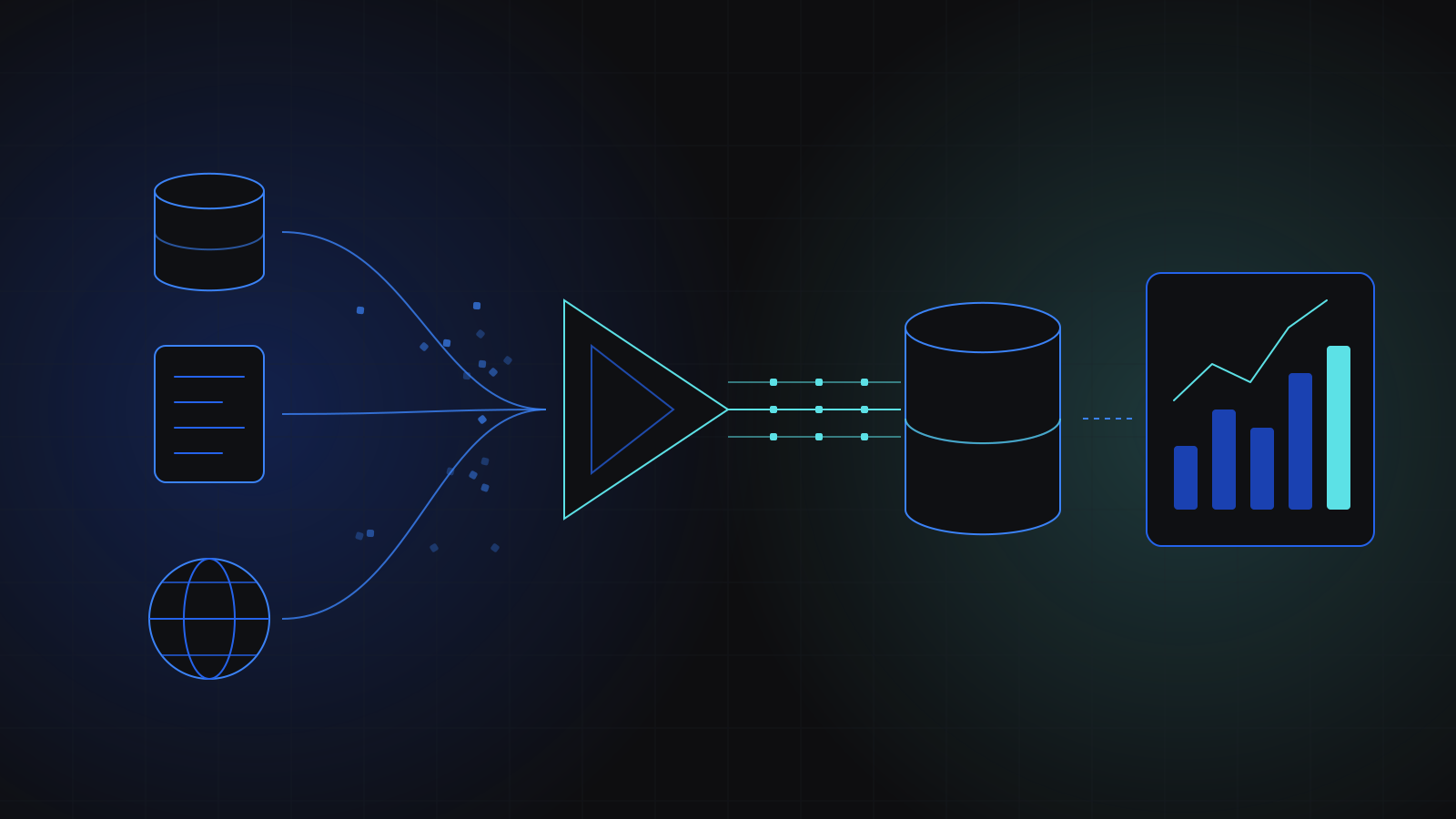
An ETL pipeline is an automated process that extracts data from the systems where it lives, transforms it into a consistent shape, and loads it into one place where people and software can use it. Your business needs one when the same numbers are copied between systems by hand, when reports disagree depending on who ran them, or when a dashboard is only as fresh as the last spreadsheet export.
What is an ETL pipeline?
ETL stands for extract, transform, load. Each word is one stage of the job:
- Extract: pull data out of its sources. These might be your application database, a CRM, an accounting tool, a set of CSV files dropped into a folder, a third-party API, or public web pages.
- Transform: clean and reshape it. That covers fixing formats and time zones, removing duplicates, matching records that refer to the same customer or order, and calculating the figures the business actually reports on.
- Load: write the result into a destination built for reading, usually a data warehouse or an analytics database that dashboards and reports query.
The word pipeline matters as much as the three letters. A one-off script that someone runs when they remember is not a pipeline. A pipeline runs on a schedule or on an event, logs what it did, and tells someone when it fails.
Is ETL different from ELT?
ELT swaps the last two steps: raw data is loaded into the warehouse first and transformed there. Modern cloud warehouses such as Amazon Redshift are built to handle that kind of processing, so ELT has become common where the warehouse is the centre of the data stack.
For a business deciding whether it needs either, the difference is less important than it sounds. Both approaches solve the same problem: getting trustworthy, current data from many systems into one place. The right order depends on your volumes, your tools and who will maintain the transformations. We choose per project and are happy to explain the trade-off in plain terms.
When does your business need an ETL pipeline?
Most businesses do not start with one, and they should not. A single application with a built-in reporting screen does not need a data pipeline. The need appears as the business adds systems. These are the signs we look for:
- Someone exports data from one tool and pastes it into another, every week, and the work stops when they are on holiday.
- Two reports that should agree give different answers, and meetings start with arguments about which number is right.
- Dashboards run directly against the production database and slow the application down.
- Important figures live on outside websites or partner portals, and someone checks them by hand.
- You want to add AI features or forecasting, and the data they need is scattered across tools.
- You are migrating off an old system and need its history carried into the new one accurately.
If your team spends its mornings moving numbers between systems, you already run an ETL pipeline. It is just made of people.
What does an ETL pipeline look like in practice?
Three examples from our own work show how different these can be.
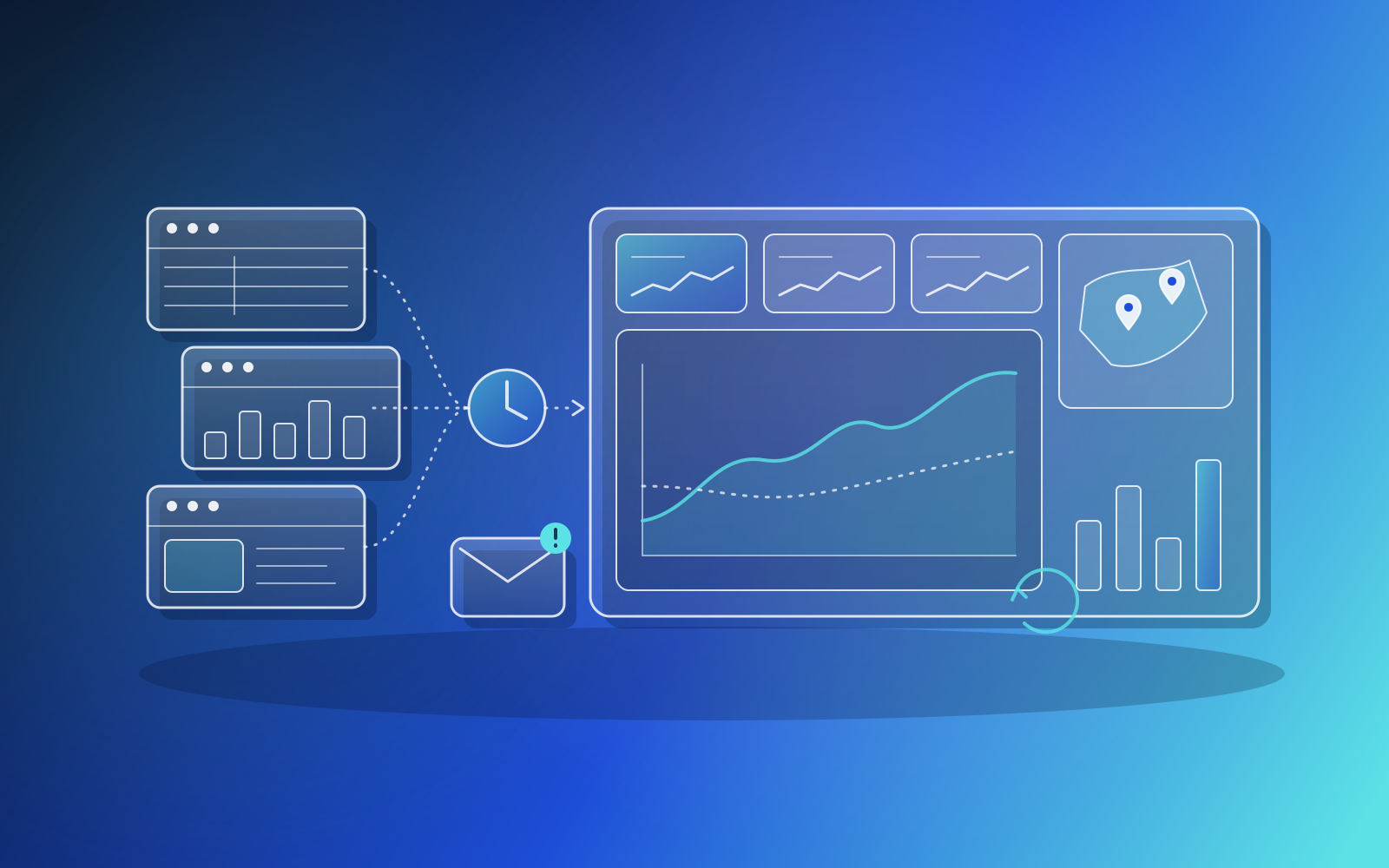
For a Canadian industry association, sector statistics were spread across unrelated public sources with different page structures. We wrote lightweight per-source extraction, run by a scheduled function that writes a JSON and CSV dataset and refreshes an embeddable dashboard. That is ETL where the extract step is web data collection, and it is a good fit for figures published on public sites.
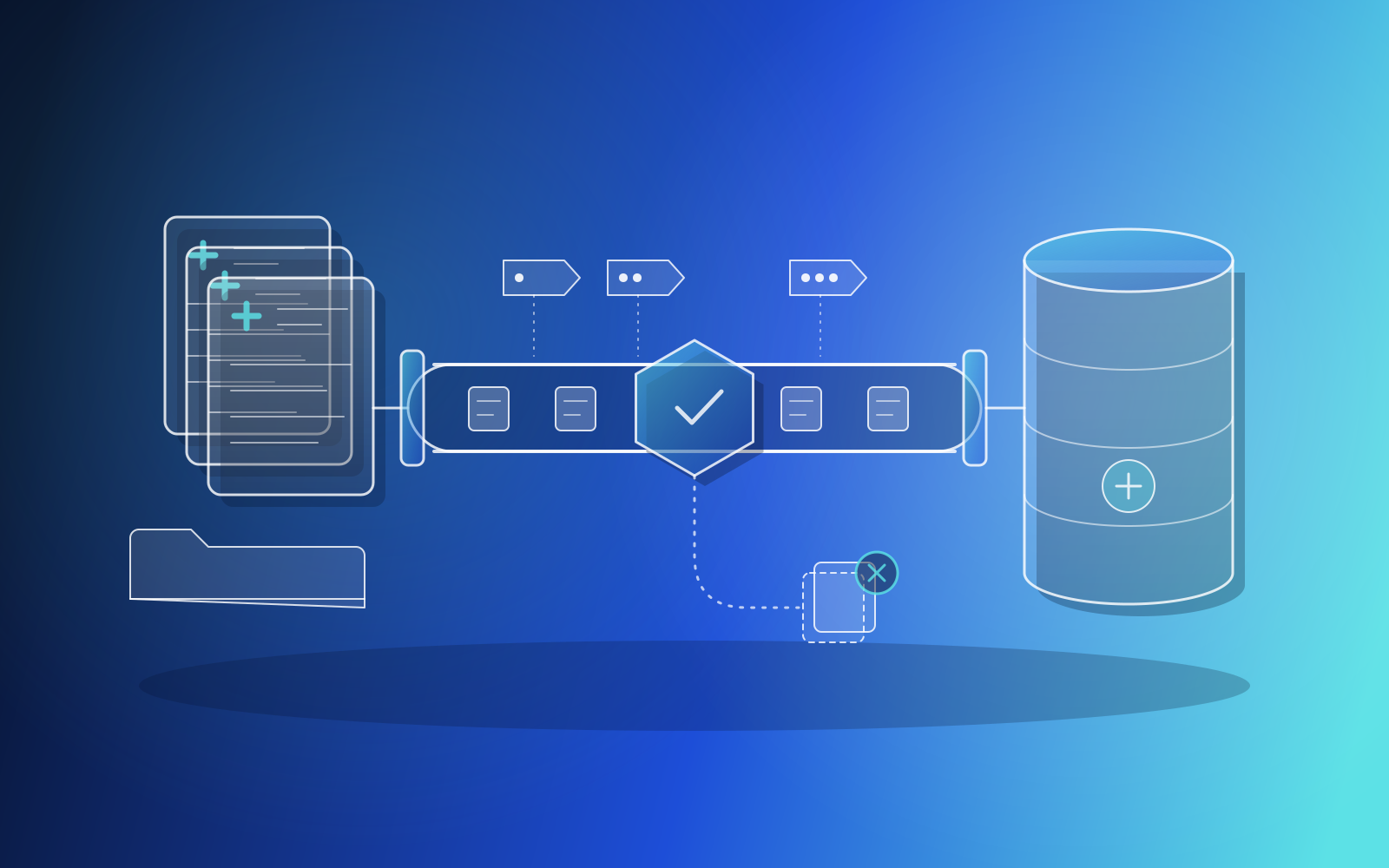
For a medical-claims web application, we took over an ingestion pipeline written in Python that was hardwired to a local SQLite file, while the production database was going to be hosted remotely. We added a duplicate-claim guard, reworked encounter numbering, and moved persistence onto SQLAlchemy behind a single database class, so pointing the pipeline at a different database became a connection-string change.
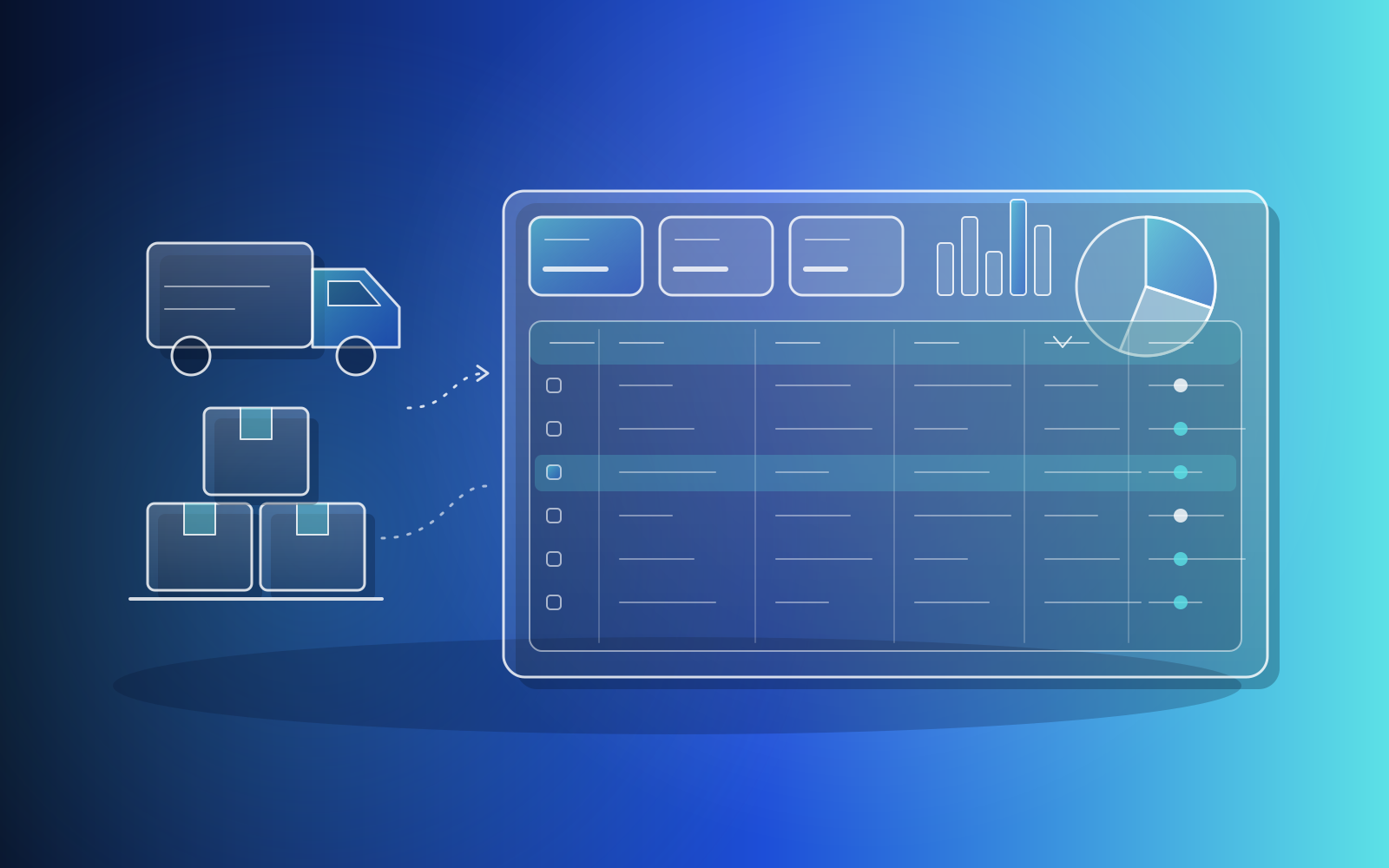
For a manufacturer whose supply-chain reporting ran on slow, view-only no-code apps, the two sites' systems disagreed about what was outstanding. We replaced those dashboards with a custom analytics platform over its live SQL Server data, including cross-site reconciliation. Reconciliation is transformation work at heart: deciding which record is right when two systems disagree.
What makes an ETL pipeline reliable?
A pipeline that works on a good day is easy. The value is in how it behaves on a bad one. These are worth designing in from the start:
- Idempotent runs: running the same job twice must not double-count anything, so a retry is always safe.
- Duplicate detection: records that arrive twice, or from two sources, are caught before they reach reports.
- Fallbacks: when a source breaks, keep the last known good values rather than showing an empty chart. The association dashboard keeps last-known values on screen when a source breaks.
- Named alerts: a failure message should say which source failed and why. The same dashboard sends email alerts that name the failed source.
- Swappable storage: keep the pipeline's reads and writes behind one layer, so moving databases does not mean rewriting jobs.
- Validation: check row counts, required fields and value ranges on every run, and stop loudly when something looks wrong.
None of these are exotic. They are simply the parts that tend to be skipped when a pipeline starts life as a quick script, and they are the reason a quick script eventually becomes a support burden.
How do you get started with an ETL pipeline?
Start from the decision, not the data. Pick one report or one number the business relies on, and trace every source that feeds it. That list becomes your first pipeline's scope. Resist the urge to connect every system at once.
Then choose where the data will land and who will read it. Often the first real benefit arrives when the cleaned data reaches a dashboard people trust. That is where our Data Engineering, ETL & Web Data Extraction service meets our Data Analytics & Dashboards service, and it helps when one team owns both the pipeline and the dashboards on top, so less falls into the gap between them.
Finally, plan for ownership. Sources change their formats, APIs retire endpoints and websites redesign their pages. A pipeline needs someone watching its alerts and updating its extractors, and that is part of the job we take on after launch.
Key takeaways
- An ETL pipeline extracts data from its sources, transforms it into a consistent shape, and loads it somewhere built for reporting.
- You need one when people copy data by hand, reports disagree, or dashboards slow down your live application.
- ETL and ELT solve the same problem; the right order depends on your warehouse, volumes and team.
- Reliability comes from idempotent runs, duplicate checks, fallbacks and alerts that name the failed source.
- Start with one number the business depends on, build its pipeline end to end, then grow from there.
- Data Engineering
- ETL
- Analytics
- Dashboards
Related services
Related case studies
OtherWeb application
Automated industry statistics dashboard
For a Canadian industry association we built a statistics dashboard that scrapes sector figures from public sources on a schedule, with fallback data and failure alerts so it never goes blank, and migrated its certification map tool to a rebranded, bilingual, mobile-friendly site.
HealthcareWeb application
Medical claims web app and ingestion pipeline
Took over an undocumented medical-claims web application and its data pipeline, fixing the claim-editing flow, implementing proper CSRF protection for automated submissions, and adding duplicate detection and encounter numbering. The pipeline was refactored onto an ORM so it can run against a remote production database.
LogisticsWeb application
Supply-chain analytics platform replacing no-code dashboards
We replaced a manufacturer's no-code supply-chain dashboards with a custom React and Node.js analytics platform over its live SQL Server data. It adds role-based access, cross-site reconciliation, open-order and inventory modules, and data-dense tables with filtering and CSV export.