AI & Automation · 22 Sep 2026 · 5 min read
Business process automation: where to start
Business process automation works best when you start small. How to pick the first process, map it, choose tools and build automations that fail safely.
The best place to start with business process automation is a task your team does the same way every day, that follows clear rules, and that costs you something real when it is late or wrong. Pick one process, map it exactly as it runs today, automate the rule-following steps, and keep a person on the decisions that need judgement. Once that first automation runs quietly for a few weeks, you will know what to automate next.
What is business process automation?
Business process automation means using software to carry out the repeatable steps of a business workflow without someone doing them by hand. That can be as small as a scheduled job that sends a daily report, or as large as an engine that routes every customer through a different sequence of emails and messages based on what they did.
It is different from buying a new tool. A new tool changes where work happens. Automation changes who, or what, does the work. Most useful automations connect the tools a team already uses: a form, a CRM, an inbox, a spreadsheet, a messaging app. The work that used to happen in the gaps between them moves into software.
Which processes should you automate first?
Good first candidates share a few traits. Look for work that is:
- Frequent: it happens daily or several times a week, so the time saved adds up quickly.
- Rule-based: you can write the steps down as "when this happens, do that", without much "it depends".
- Stable: the process has not changed much in the last year and is not about to.
- Painful when missed: a late reply, a lost lead or a wrong invoice has a real cost.
- Owned by one person or team: someone can say exactly how it works today and judge whether the automation is right.
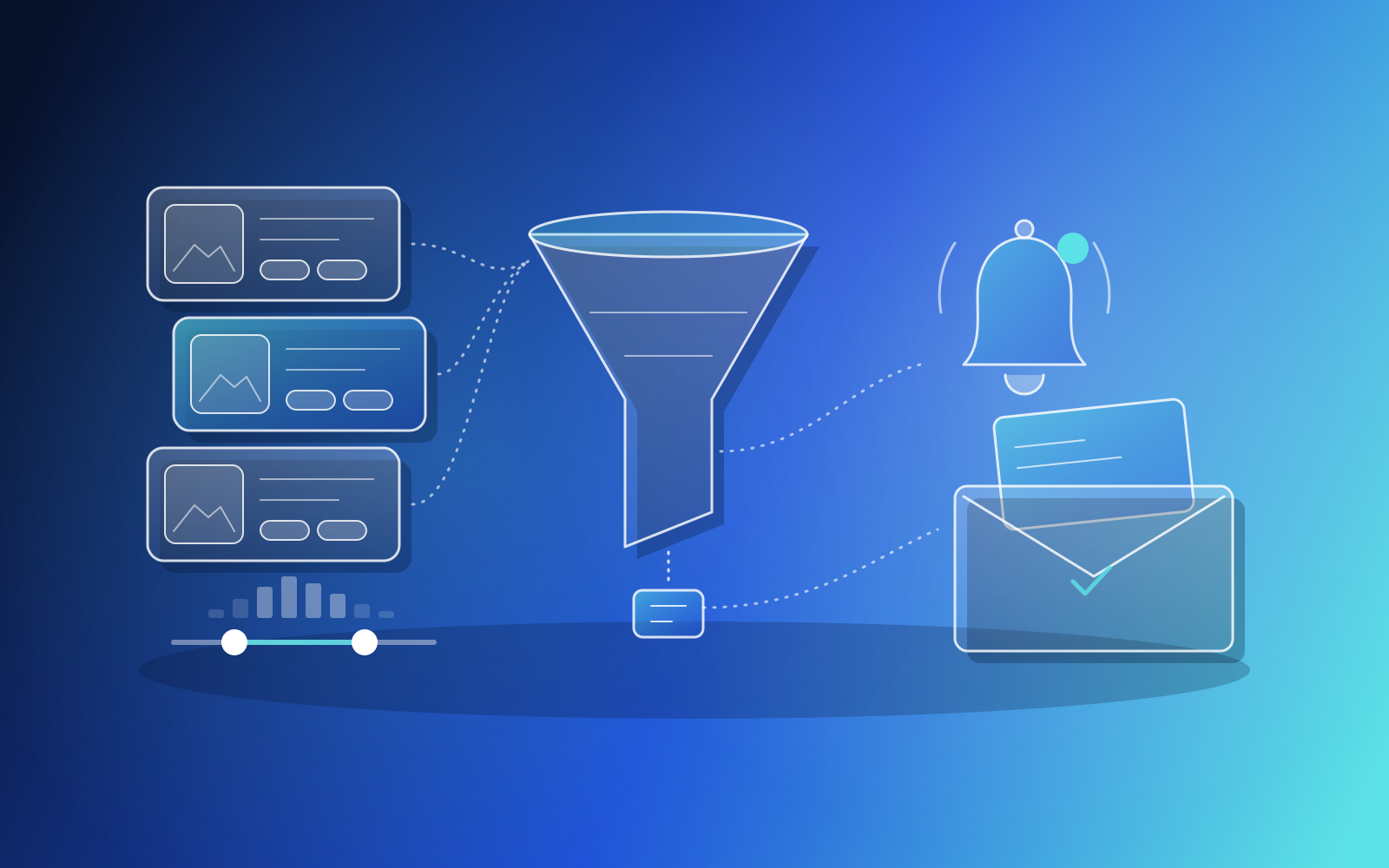
A clear example from our own work: a client's principal was manually monitoring several online business-brokerage sites and losing time against competing buyers on good listings. That task hit every trait on the list. We built scrapers that check those marketplaces every hour, a matching engine that compares new listings against each buyer's criteria, and email alerts when something fits. The judgement, deciding which business to pursue, stayed with people.
What should you not automate yet?
Some processes are poor first choices, however tempting they look. Hold back on:
- Processes that nobody can describe consistently. Automating confusion only makes it faster.
- Steps that rely on judgement, negotiation or relationships.
- Workflows that are about to change because of a new system, a reorganisation or new rules.
- Rare tasks, where building and maintaining the automation costs more than doing it by hand.
It is often worth fixing the process before automating it. If a workflow has three approval steps that exist only because of a problem solved years ago, remove them first.
Automate the steps you can write down as rules. Keep people on the decisions that need judgement.
How do you map a process before automating it?
Sit with the person who does the work and write down what actually happens, step by step, including the exceptions. What starts it? What information is needed at each step, and where does it come from? What happens when something is missing? Who gets told when it is done?
The exceptions are where automations break, so give them the most attention. Timing rules deserve care too. A webinar platform we worked with could only send reminders at fixed offsets, so it could not express a rule like messaging people who watched more than half a webinar differently from those who missed it. Before writing any code, we produced a requirements and architecture pack covering the workflow schema, timing rules, API surface and database design, and the client approved it. That document turned a vague wish into rules software could follow.
Should you use an off-the-shelf tool or build a custom automation?
Start with what you have. Many CRMs, helpdesks and accounting tools include automation features, and general integration platforms can connect common apps with little or no code. For simple "when this, then that" steps between popular tools, that is often enough, and it is usually the cheapest place to begin.
Custom automation makes sense when:
- The logic is too specific for a generic tool, such as nested conditions based on each customer's behaviour.
- The data comes from sources without ready-made connectors, such as websites or legacy systems.
- Per-task pricing on a generic tool grows beyond what a custom service would cost to run.
- The automation is part of your product, and your own customers will configure it.
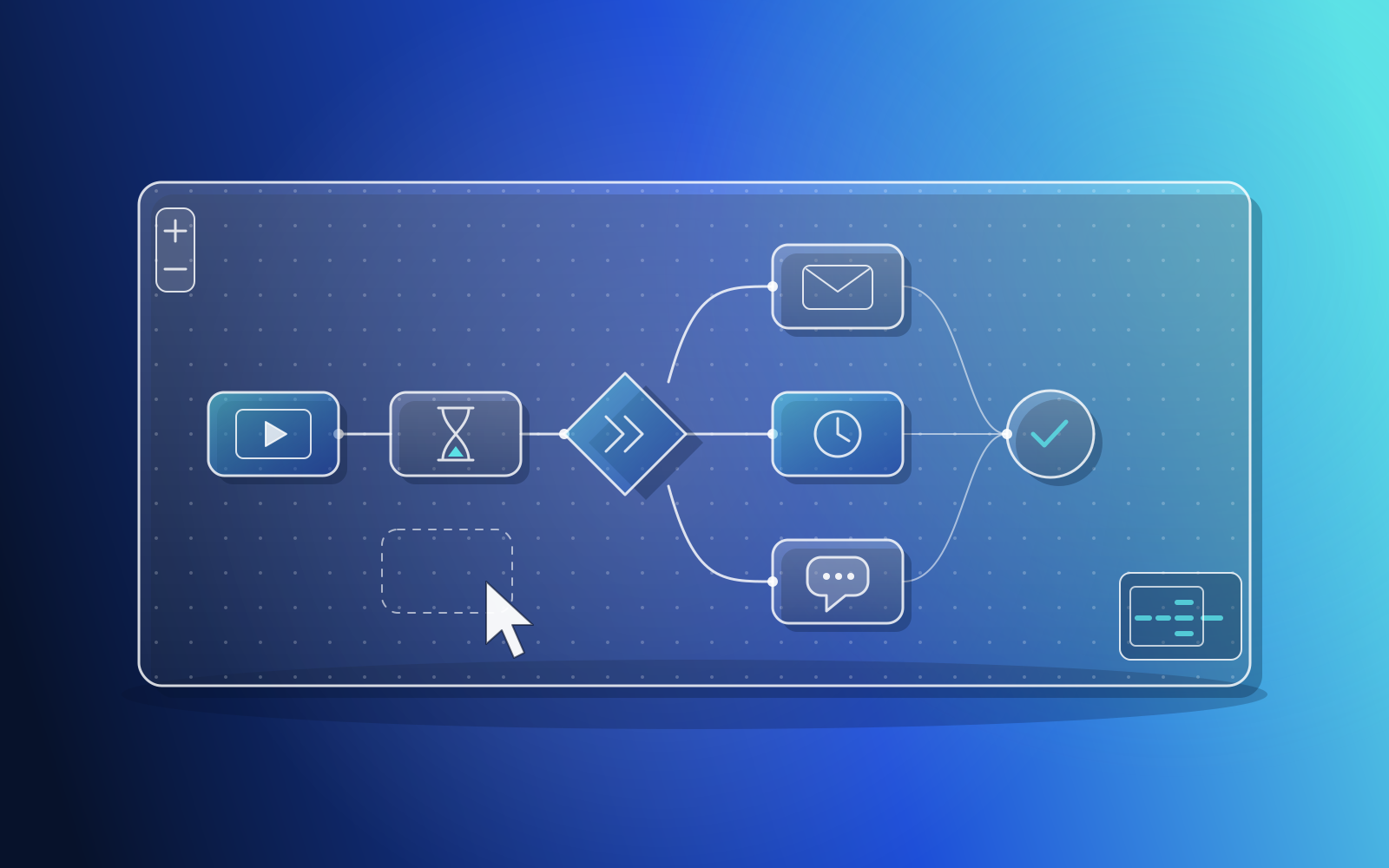
The webinar platform fit the first and last of those. We built a visual, no-code automation builder inside the client's existing codebase, and behind it a queue-backed engine that handles delays, wait-until steps, conditional branches and sending email and SMS follow-ups. The builder is designed so teams on the platform can set up those follow-up rules themselves.
What makes an automation reliable?
An automation that fails silently is worse than no automation, because people stop checking the work. Reliable automations share a few habits:
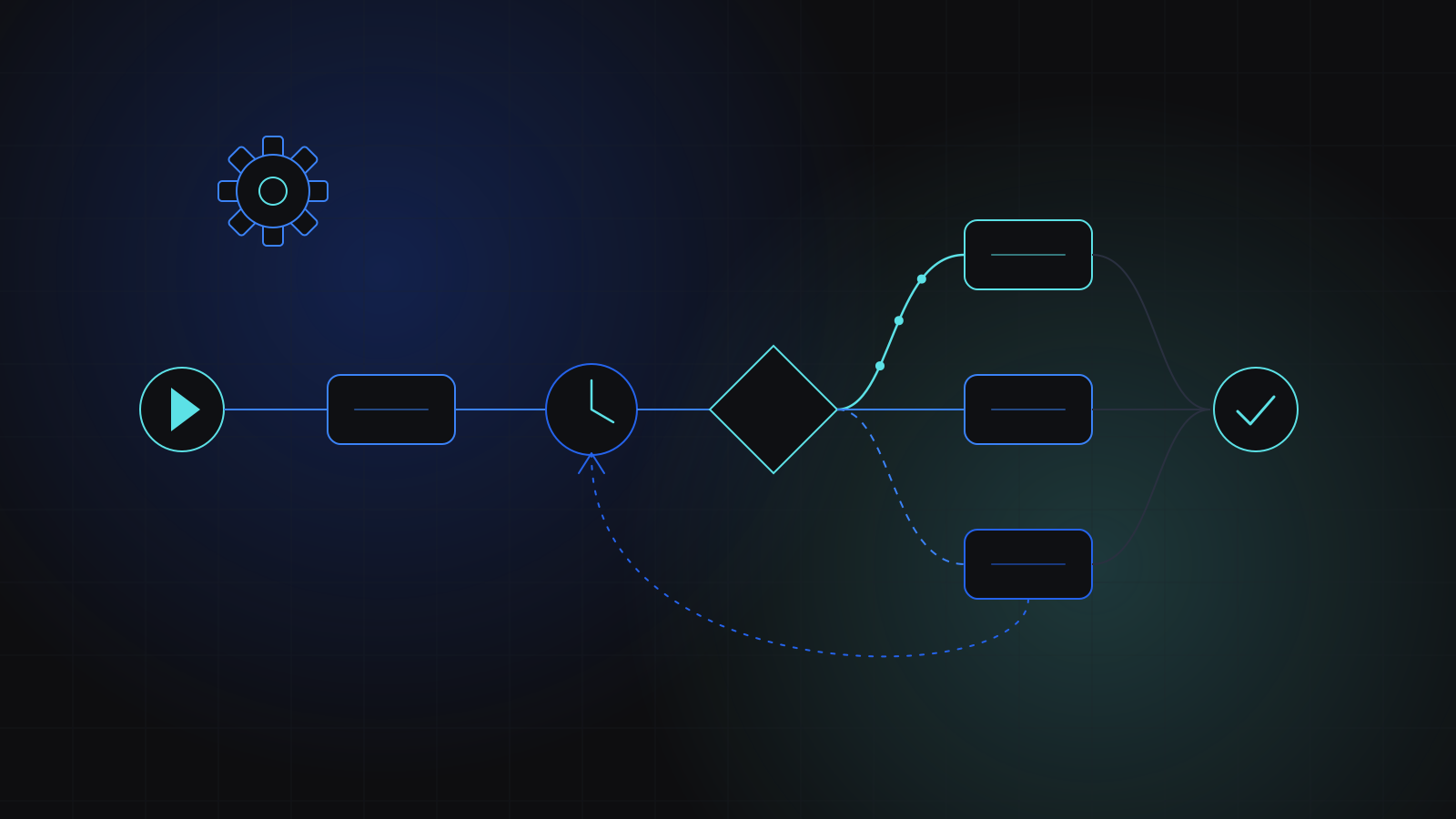
- Idempotency and deduplication, so a retried job never sends the same email twice. The webinar engine was built with safeguards against duplicate sends for exactly this reason.
- Retries with backoff for calls to outside services, which fail more often than anyone expects.
- Alerts that reach a person, with a fallback route when the usual channel is down.
- A simple log of every run, so anyone can see what happened and why.
Our in-house AI short-form video agent shows these habits at a larger scale. It scripts, generates, edits and publishes short videos across several channels and platforms every day with no manual steps. A watchdog backs off failing channels and dead-letters alerts when Slack is unreachable. It is one of our own projects, and on a single day it published 15 videos across seven channels.
How we help teams start
Our Process Automation & Bots service is built for teams doing the same manual task every day. We begin the same way every engagement begins: learning how your business runs today. Then we design the automation around that, build it in short sprints you can review, and stay with you after launch to adjust the rules as your process changes. We recommend keeping a first automation small.
Key takeaways
- Start business process automation with one frequent, rule-based, stable process that hurts when it is missed.
- Map the process with the person who runs it, and spend most of your time on the exceptions.
- Fix or simplify a process before automating it, and keep judgement calls with people.
- Use built-in and off-the-shelf automation first; build custom when the logic, data or volume demands it.
- Design for failure from day one: deduplication, retries, alerts and a clear log of every run.
- Automation
- Workflows
- Bots
- Integrations
Related services
Related case studies
FinanceSaaS
Business-acquisition deal-flow alert platform
Built a subscription deal-flow platform that scrapes business-for-sale marketplaces every hour, matches new listings against each buyer's acquisition criteria and sends email alerts. The product includes user and admin dashboards, subscription billing and a mobile-first onboarding flow, and runs in production on the client's domain.
SaaSSaaS
Visual workflow automation builder and engine
We built a visual, no-code automation builder and a durable execution engine for a webinar platform. Teams can now send email and SMS follow-ups based on what each registrant did, with delays, nested conditions and safeguards against duplicate sends.
AIAI/ML
AI short-form video agent
We built an in-house AI video pipeline that scripts, generates, edits and publishes short videos across several channels and platforms every day with no manual steps. Scheduling, failure recovery and performance analytics all run automatically.